
TradingView Alerts to Binance: Automated Execution Guide
- Steven Hartwell

- Aug 19
- 9 min read
You can absolutely turn TradingView alerts into live Binance orders, and the mechanism is simpler than most traders expect. An alert fires from your chart, a webhook receiver catches it, checks a passphrase, and calls the Binance API to place a Spot or Futures order. That’s the whole loop.
You need three pieces to make this work: a TradingView alert configured with a webhook URL, a webhook receiver (something you host yourself or a third-party bridge like AlgoWay), and a Binance API key scoped for trading.
TradingView alert with webhook enabled
A webhook receiver that validates and forwards requests
Binance API key with trading permissions (never withdrawals)
Pro Tip: Run your entire setup on Binance Testnet for at least a few days before touching real funds. It costs nothing and catches most configuration mistakes before they potentially cost you money.
Roughly one in three retail automation failures traces back to a webhook endpoint that was never secured with authentication or IP restrictions, which is why locking that down comes before anything else.
Key Takeaways
Reliable TradingView-to-Binance automation depends on a validated webhook bridge, correctly formatted JSON payloads, and testnet verification before any live capital is at risk.
Point | Details |
A bridge is mandatory | TradingView cannot sign Binance API requests directly, so a webhook receiver must handle authentication. |
Never enable withdrawals | Scope your Binance API key to trading only, and restrict it by IP where possible. |
Test on Binance Testnet first | Run your full flow in a sandbox environment before sending real orders. |
Symbol formatting causes most failures | Use Binance’s concatenated format like BTCUSDT, never slashes or hyphens. |
Filter signals before automating | Big Move Algo’s Long/Short state and Fake Trend Detector help gate execution and reduce false triggers. |
Table of Contents
How Does TradingView Alerts Binance Automation Actually Work?
The flow has three stages, and each one does a specific job. TradingView generates the alert and fires an HTTP POST to whatever URL you’ve configured. Your webhook receiver, often called a bridge, catches that request, checks the passphrase, translates the JSON into Binance’s expected format, and signs the request with your API secret. Binance receives a properly authenticated order request and executes it.
TradingView can’t talk to Binance directly because Binance requires HMAC-signed requests carrying your API secret, and TradingView has no mechanism to store or sign with that secret. The bridge exists specifically to close that gap, handling authentication, retries, and error handling in between.
TradingView alert fires → sends raw JSON payload
Bridge validates passphrase and reformats the request
Bridge signs and sends the order to Binance Spot or Binance Futures
The bridge isn’t optional middleware you can skip for simplicity. It’s the only component capable of holding your API secret securely and producing a signature Binance will accept.
Futures orders add wrinkles Spot doesn’t have, mainly margin mode and leverage settings that must be set on the account or included in the payload before the order lands.
What Do You Need Before Setting Up Binance Webhook Automation?
Before you touch any code, get the accounts right. You’ll need a TradingView plan that supports webhook alerts, since only certain alert types (price alerts, indicator alerts, and strategy alerts) can carry the placeholders you’ll use for dynamic order data.
On the Binance side, create an API key scoped to Spot or Futures trading, with withdrawals disabled entirely. For the bridge itself, you have two paths: self-host something in Node.js or Python, or use a managed service such as AlgoWay that skips the server maintenance and gives you logging and retry handling out of the box.
TradingView account with webhook-capable alert types
Binance API key: trading enabled, withdrawals disabled
Self-hosted bridge or a managed service like AlgoWay
Optional: static IP/VPS for IP whitelisting, plus Testnet access
Security checklist: passphrase check, key rotation schedule, rate-limit handling
Pro Tip: Rotate your Binance API key every 90 days even if nothing seems wrong. Stale keys sitting in old scripts or forgotten servers are one of the most common ways trading accounts get compromised.
Step-by-Step: Connecting TradingView Alerts to Binance
Here’s the sequence, in order, from a blank slate to a tested live connection.
Create your Binance API key. Name it clearly, enable only Spot or Futures trading permissions, skip withdrawals entirely, and add an IP restriction if you have a static address.
Deploy your webhook receiver. A minimal Flask or Express app works fine for testing; open-source projects like the 51bitquant webhook bot give you a working reference to adapt rather than starting from a blank file.
Configure environment variables. Store your API key, secret, and a custom passphrase as environment variables, never hardcoded in the script. Host on a VPS or serverless function with HTTPS enabled and basic rate-limiting on the endpoint.
Build your TradingView alert. Open the alert dialog, check the Webhook URL box, paste your bridge’s endpoint, and write a JSON message matching your bridge’s expected schema.
Test end-to-end on Binance Testnet. Fire a manual alert, watch your bridge logs, confirm the order lands on Testnet, then move to production with a tiny market order first.
Pro Tip: Log every incoming webhook payload before you process it. When something breaks at 2 AM, that raw log is the difference between a five-minute fix and an hour of guessing.
Deployment Option | Setup Effort | Ongoing Maintenance |
Self-hosted (Node.js/Python) | High, requires server config | You handle uptime and updates |
Managed bridge (AlgoWay-style) | Low, mostly configuration | Provider handles infrastructure |
Component | Purpose | Where It Lives |
TradingView alert | Fires the trigger | Your chart |
Webhook receiver | Validates and signs requests | Your server or bridge provider |
Binance API key | Authenticates the order | Environment variables, never hardcoded |
For readers building strategies from scratch, the mechanics of writing alert-ready conditions are covered in our Pine Script guide, and the alert configuration itself gets a closer look in our piece on setting up TradingView indicator alerts.
Confirm your bridge returns a 200 response so TradingView doesn’t retry endlessly
Double-check your symbol format matches Binance’s convention before going live
Keep a manual kill switch you can trigger without touching code
What Should a TradingView Webhook Payload Look Like?
A minimal market order payload needs just a handful of fields: passphrase, symbol, side, quantity, and order type. Keep it simple for your first test.
{"passphrase":"yourSecret","symbol":"BTCUSDT","side":"buy","type":"market","qty":"0.001"}
Once that works, swap static values for TradingView placeholders so the same alert adapts to whatever your strategy generates. {{ticker}} pulls the chart’s symbol, and {{strategy.order.action}} and {{strategy.order.contracts}} pull the direction and size straight from your strategy logic, as TradingView’s own alert documentation confirms.
Futures orders need extra fields Spot doesn’t: marginMode, leverage, and often reduceOnly for exit orders. Symbol naming trips up more traders than any other single mistake. Binance expects BTCUSDT, not BTC/USDT or BTC-USDT, and exchange listings confirm this concatenated format across every pair.
Every field needs double quotes, no trailing commas, and zero comments. TradingView’s JSON parser is unforgiving, and a single stray character will silently drop your alert.
Field | Spot Order | Futures Order |
symbol | Required (e.g. BTCUSDT) | Required (e.g. BTCUSDT) |
side | buy/sell | buy/sell |
leverage | Not applicable | Required |
reduceOnly | Not applicable | Required for exits |
Pro Tip: Build one payload for entries and a separate one for exits with reduceOnly set to true. Reusing the same template for both is a common cause of accidentally doubling a position.
How Do You Safely Test Binance Trading Alerts Before Going Live?
Testnet first, always. Binance’s Testnet environment lets you fire real webhook traffic against a sandboxed exchange with fake funds, so you catch payload errors, authentication problems, and logic bugs before any real capital is at risk.
Enable verbose logging on your bridge and simulate alerts locally with a tool like Postman.
Fire alerts on Testnet and verify the order format, size, and symbol match what you expect.
Move to production with the smallest possible order size and increase gradually as confidence builds.
Hard-code a maximum position size directly into your bridge logic
Build a dry-run flag that logs intended orders without executing them
Set up a kill-switch endpoint you can hit instantly if something misbehaves
Send yourself a notification on every failed order, not just successful ones
Pro Tip: Watch latency and slippage during your first week live, not just whether orders fill. A webhook that takes four seconds to execute in a fast market can fill you at a materially worse price than intended.
Why Do TradingView-to-Binance Webhooks Fail?
Most failures fall into a handful of predictable buckets, and each has a fast fix once you know what you’re looking at.
HTTP 401 from Binance: Bad API key or broken signature; regenerate the key and check your signing logic.
Symbol mismatch: You sent BTC/USDT instead of BTCUSDT; standardize your bridge’s symbol formatting.
Order below minimum notional: Binance rejects orders under its minimum size for that pair; check the exchange’s minimum quantity rules before sizing trades.
Webhook unreachable: DNS or HTTPS misconfiguration on your endpoint; test the URL directly with curl.
Rate-limit rejection: Too many requests too fast; add exponential backoff and retry logic in your bridge.
Pro Tip: Save every failed webhook payload to a file. Replaying it later against your bridge is the fastest way to reproduce and fix an intermittent bug instead of guessing at what changed.
Should You Filter Signals Before Automating Trades?
Automating a single indicator without any quality filter is how traders end up executing on noise. Binance’s own documentation on Trading Insight notes that combining multiple signal sources with AI-driven pattern recognition reduces false triggers compared to relying on one input alone.
A practical way to apply that here: require your Big Move Algo signal to read Long or Short before your webhook payload fires, or include the indicator’s signal flag directly in the JSON and have your bridge gate the order on that field. Either approach adds a second layer of confirmation your bridge checks before it ever touches the Binance API.
Gate execution behind Big Move Algo’s Long/Short state, not the raw alert alone
Pass the signal flag as a JSON field your bridge can validate
Log rejected alerts separately so you can review what automation avoided
Pro Tip: Turn on the Fake Trend Detector inside Big Move Algo during choppy, low-volume sessions. It’s specifically built to suppress signals during conditions where automated execution tends to lose money fastest.
When Should You Actually Automate Your Trading?
Automation earns its keep on liquid pairs during normal market hours, where disciplined execution beats emotional manual trading every time. It works against you on thin altcoins or around major news releases, where slippage and gaps punish anyone without a human checking the tape. Keep a manual override switch within reach regardless of how confident your setup feels.

Ready to Automate With Confidence?
Big Move Algo gives you real-time Long, Short, and Exit signals across crypto, forex, stocks, and commodities, with a Fake Trend Detector built specifically to strip out the low-quality setups that make automated execution risky in the first place.
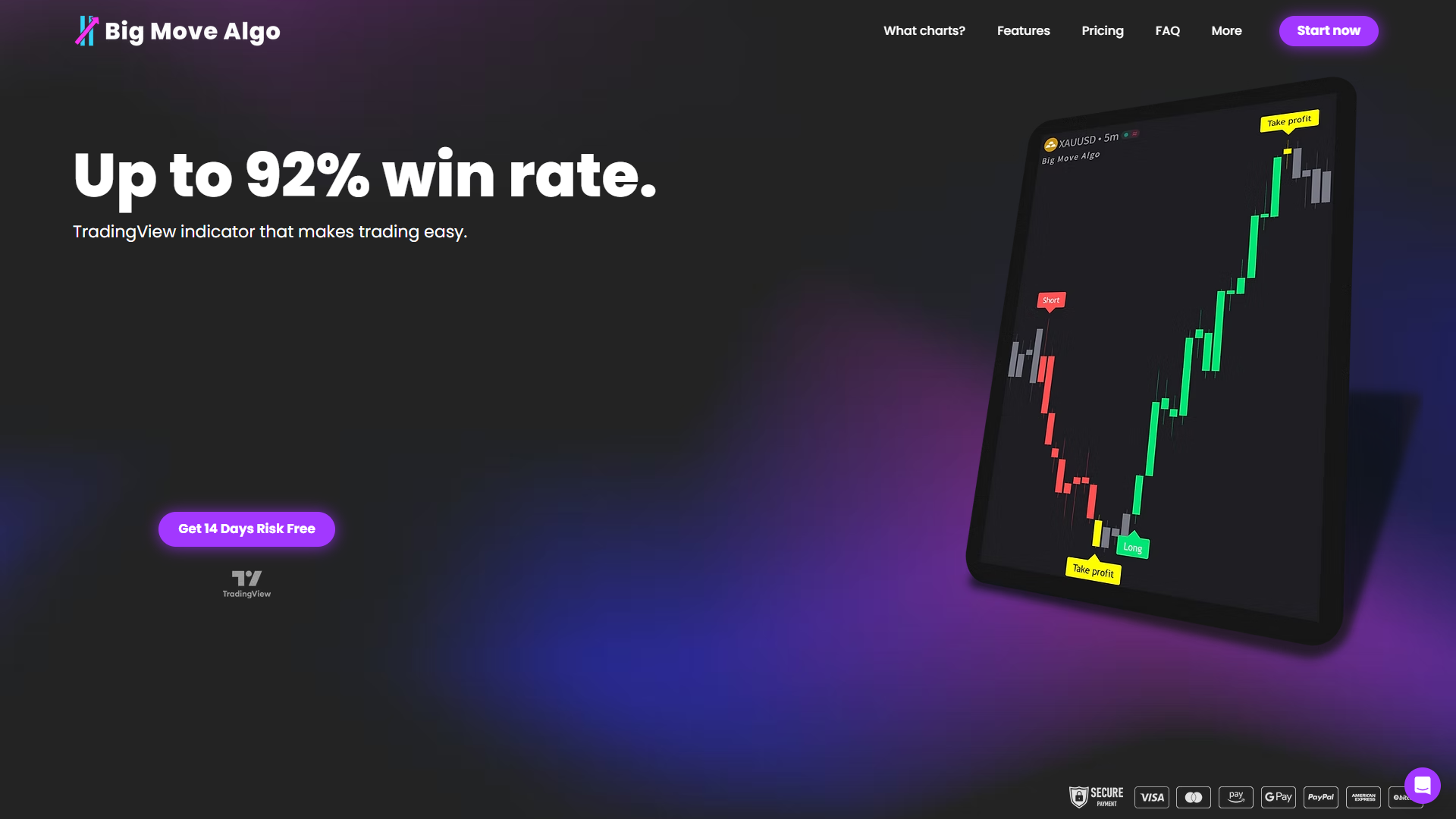
Pair it with the webhook setup covered above and you get a system that only fires orders when the underlying signal actually clears a quality bar, whether you’re running AUTO Mode for simplicity or MANUAL Mode for finer control. If you want your TradingView alerts backed by a filter built for exactly this purpose, start with Big Move Algo and connect it to your existing webhook bridge today.
Frequently Asked Questions
Can TradingView send alerts directly to Binance without a bridge? No. Binance requires signed API requests, and TradingView has no way to store or sign with your API secret, so a webhook receiver in between is required.
Is Binance Futures automation different from Spot automation? Yes. Futures payloads need extra fields like leverage, margin mode, and reduceOnly for exits, which Spot orders don’t require.
Do I need coding experience to set up TradingView alerts for Binance? Not necessarily. Managed bridges like AlgoWay handle the technical translation and signing so you only configure fields rather than writing server code.
What’s the safest way to test before going live? Use Binance Testnet with your full webhook flow, verify logs and order sizes match expectations, then start live trading with the smallest order size possible.
This article is general information, not a substitute for advice from a qualified financial advisor. Consult a qualified financial professional about your own circumstances before acting on anything here.
Sources
Review AlgoWay’s Binance integration docs for a no-code bridge option, the 51bitquant webhook bot for example code, and the skeleton project on GitHub for a minimal starting server.
Recommended
Comments