
Top 5 Trade-Ideas.com Alternatives for 2026
- Steven Hartwell

- Jun 12
- 13 min read

Finding reliable trading indicator software that matches your workflow and risk tolerance is harder than it seems when every platform emphasizes a different setup. Leading options often demand high subscription fees, with free trials or hands-off automation locked behind premium plans. This comparison covers pricing, automation, and usability details for five Trade-Ideas.com alternatives so you can pick the best fit for your trading approach.
Table of contents
Big move algo
At a glance
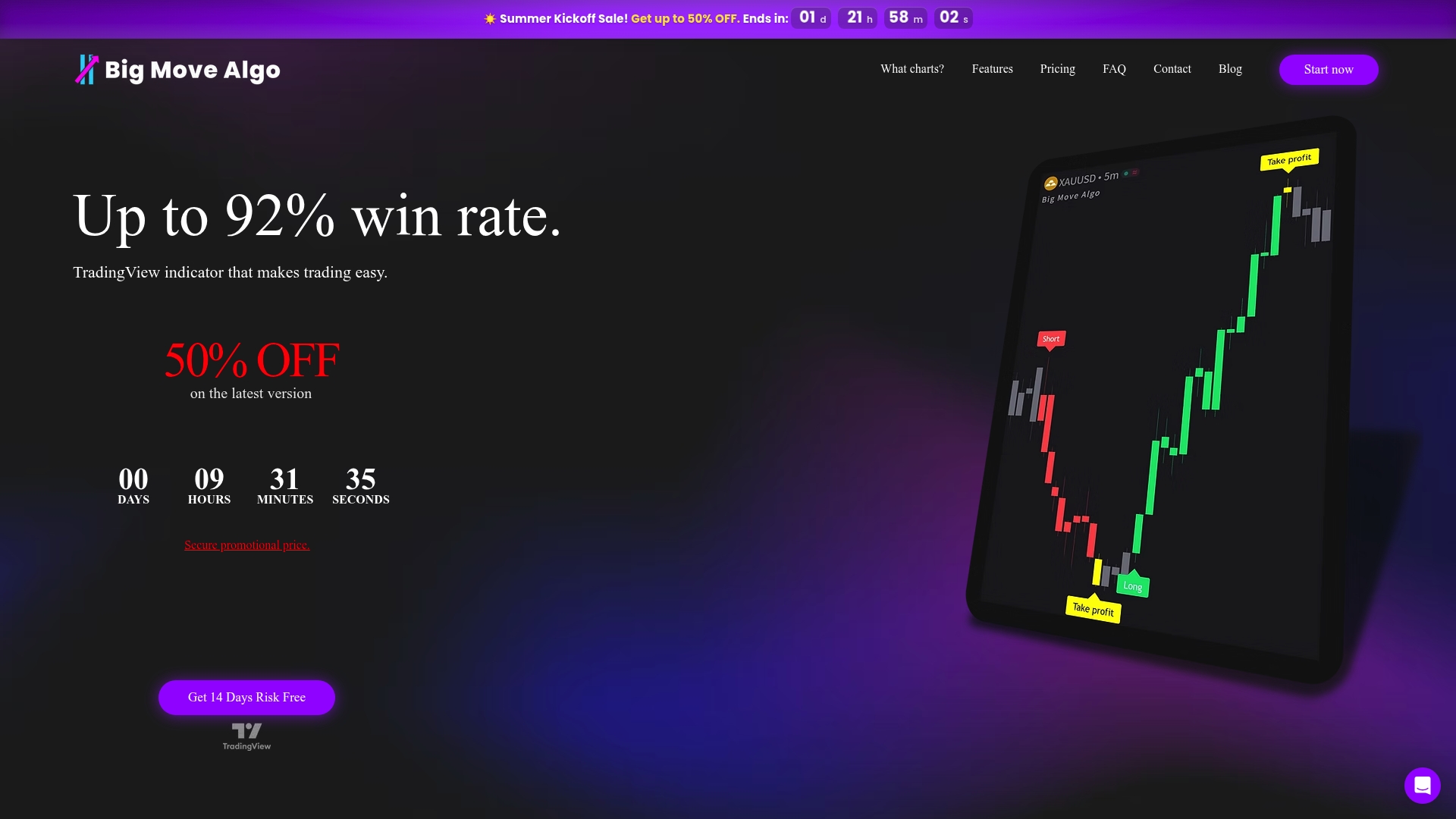
A free plan exists that delivers the full indicator performance to test on real charts. The indicator runs inside TradingView and issues clear Long, Short, and Exit signals in real time. It supports multiple markets and timeframes and offers both automatic execution and manual control.
Core features
Big Move Algo is a TradingView indicator with two operation modes and built in risk checks. It scans all timeframes across stocks, forex, crypto, commodities, and futures. The indicator includes a Fake Trend Detector that flags low quality trend signals. It also supports automated notifications and auto connect to trading platforms for order execution.
Automatic and manual trading modes for different trader preferences.
Multi timeframe support across all markets available on TradingView.
Trade signals for long and short positions plus exit guidance.
Built in fake trend detection and danger zone risk markers.
Key differentiator
The standout feature is the combination of AUTO Mode for low setup and manual mode for customization, both inside TradingView. That pairing puts signal logic and risk filters where you chart. The integration reduces the need to shuttle signals between tools and keeps alerts and execution within a single TradingView workflow.
Pros
Friendly for beginners. The product includes clear instructions and an AUTO Mode to get traders started quickly.
Works across unlimited devices and TradingView instances. You can run the same indicator on multiple charts at once.
A free plan provides the full indicator performance so you can evaluate it without cost.
Automated trading platform connection is available for free, letting you route signals to supported brokers and execution tools.
Lifetime free updates and support are included, so buyers do not face recurring upgrade fees for new indicator versions.
Cons
Requires a TradingView account and depends on TradingView platform capabilities for many features.
Who it’s for
This tool fits traders who want a compact indicator inside TradingView rather than a separate analytics suite. It suits beginners who prefer AUTO Mode and intermediate traders who want Manual Mode control. Traders focused on swing trading, scalping, and multi market setups will get the most direct value.
Unique value proposition
AUTO Mode that requires minimal setup lets you start live testing in minutes. Paired with an auto connect option, that setup can turn chart signals into live orders without extra middleware. The Fake Trend Detector reduces time spent chasing weak moves and helps you focus on trades where the indicator signals have higher context.
Real world use case
A swing trader loads Big Move Algo across crypto and stock charts on TradingView. They use AUTO Mode for scans and switch to Manual Mode to fine tune entries. Alerts feed their execution path and the Fake Trend Detector keeps them out of volatile false breakouts.
Pricing
Big Move Algo offers both free and paid plans. Paid plans start at $32.00 per month with occasional discounts during sales. Subscriptions deliver instant access after purchase and payments are processed through Stripe.
Website: https://bigmovealgo.com
TradeAlgo
At a glance
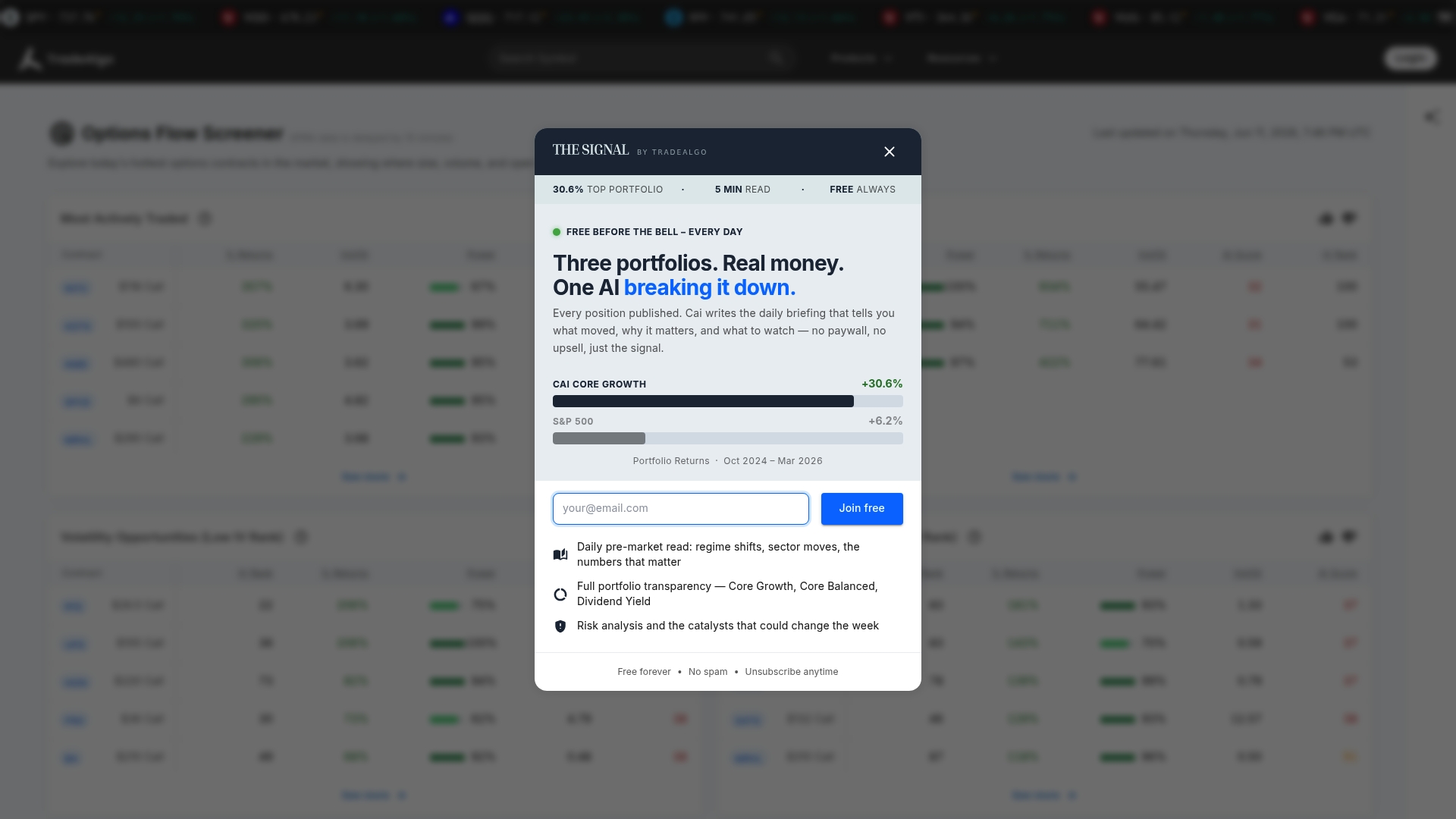
AI-generated stock portfolios are offered across multiple tiers with documented rationale. The platform pairs those portfolios with real-time options flow screening and dark pool analytics. TradeAlgo also includes live mentorship and structured educational paths for traders from beginner to advanced.
Core features
AI-generated stock portfolios with transparent rationale across tiered offerings, letting you see why a model chose each holding.
Real-time options flow screening and high-conviction setup alerts that flag unusual activity and potential trade entries.
Dark pool and institutional order flow analytics designed to reveal large hidden trades affecting price action.
Comprehensive educational resources covering options, dark pools, AI-driven trading, and risk management.
Personalized mentorship and live trader sessions for portfolio review and skill development.
Key differentiator
TradeAlgo combines automated portfolio signals with market microstructure analytics. That pairing gives traders model-driven allocation ideas while exposing institutional activity beneath price moves. The platform adds one-on-one mentorship, which the vendor positions as part of its support for users who want guided learning and live portfolio checkups.
Pros
Responsive mentorship and support help traders learn while they trade. Several users praise the ability to review portfolios with an experienced trader.
The toolset bundles portfolio modeling with dark pool and options flow data. That combination reduces the need to stitch multiple services together.
Transparency around portfolio rationale makes model choices verifiable. You can audit why the AI favored a stock or sector.
Educational content spans beginner to advanced topics, which helps newer traders prepare before using live signals.
Real-time alerts aim to surface high-conviction setups fast, which suits active traders who watch intraday moves.
Cons
The platform has mixed reviews about legitimacy and sales practices, which may make new users cautious. The vendor faces public skepticism in some user forums.
Users report difficulties obtaining refunds. That pattern could create friction if you decide the service does not meet expectations.
Mentorship and support quality appear inconsistent across sessions. Some users report strong guidance while others found variable outcomes.
When it may not fit
If you prefer a hands-off indicator that auto-executes on TradingView, this product may not fit. It requires active engagement with market data and portfolio reasoning. Also, if you are uncomfortable with reported sales practices or refund challenges, you should evaluate the vendor record before subscribing.
Who it’s for
Active traders and investors who want AI-driven portfolio ideas combined with institutional order flow signals will benefit most. Traders who value live feedback and mentorship during portfolio construction will find the platform aligned with their workflow. Beginners who want guided learning can use the educational paths before risking capital.
Real world use case
A professional trader monitors dark pool sweeps and options flow to time entries into AI-suggested positions. They use mentorship sessions to reconcile model allocations with discretionary risk limits. A beginner follows the educational track, then joins live sessions to validate a first portfolio allocation.
Pricing
The vendor advertises free initial access with paid tiers for advanced portfolios and mentorships. Specific subscription levels and mentorship pricing are not listed here, so plan to review the vendor site for current tier details.
Website: https://tradealgo.com
Edge to trade
At a glance
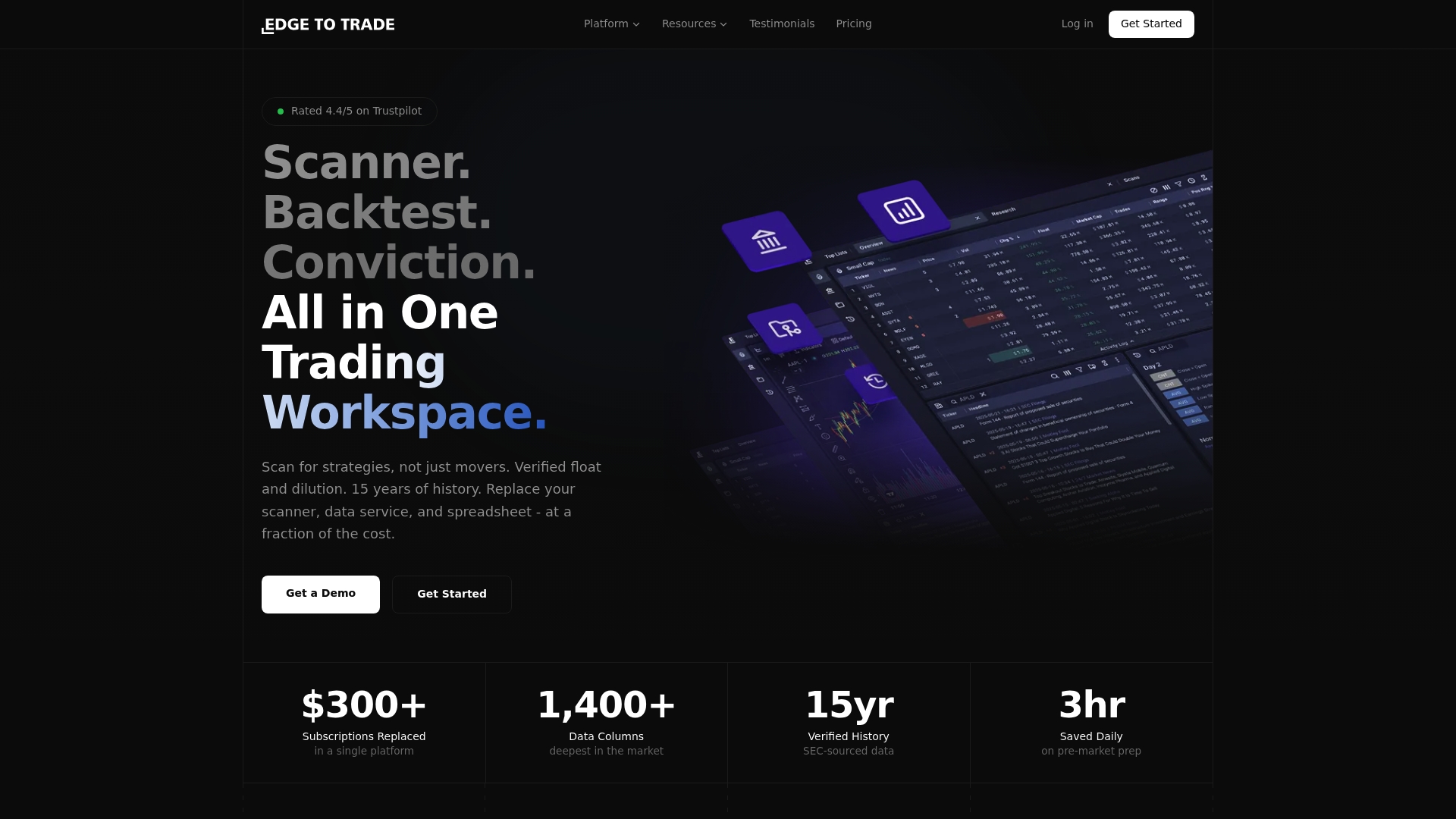
Edge to Trade includes a real time stock scanner with 300+ filters, including dilution risk and float verification. The platform supports backtesting across 15 years of market data and ties share structure to SEC filings. That mix of scanning, historical testing, and verified data aims to replace several separate subscriptions for active traders.
Core features
Edge to Trade delivers a real time scanner, backtesting engine, dilution tracking, and research tools. The scanner supports many filter combinations for volatility, volume, and share structure. Backtesting runs on years of historical data for strategy validation. Dilution tracking pulls SEC verified share changes and updates positions as filings occur. Users can build custom metrics, expressions, and layouts for personalized dashboards.
Key differentiator
The platform centers on Verified SEC data for float and dilution accuracy. That connection lets you cross check scanners and backtests against official filings. The vendor positions this as a quality control layer that reduces false positives from stale or incorrect share counts.
Pros
Robust backtesting. The engine uses years of historical data for realistic strategy validation and walk forward checks.
Deep scanning capability. The large filter set helps you isolate float, dilution risk, and intraday setups quickly.
Verified data linkage. Tying share structure to SEC filings reduces surprises when shares change after a trade.
Fast updates and responsive UI. Users report sub second updates and an interface suited to quick scanning.
Strong support and usability. The platform balances advanced options with an approachable layout for new traders.
Cons
Higher tiers likely required for the fastest feeds or the most advanced customization. Expect to pay more for unlimited scans and longer historical windows.
The product data lists no third party negatives, so community feedback appears limited and may not surface every edge case.
Integrations are not listed in the provided data, so you may need separate tools for order routing or broker connectivity.
When it may not fit
If you need built in broker execution or a specific API integration, this platform may not cover that out of the box. Traders who only need a single indicator or basic alerts will find the feature set heavier than necessary. If you plan to run highly customized, low latency automated systems you should budget for a higher tier.
Who it’s for
Edge to Trade targets active retail traders who want institutional grade data without institutional pricing. Day traders who scan pre market setups and swing traders who monitor overnight dilution will benefit. Systematic traders who build and validate rules against long time series will also find the tools suited to their workflow.
Real world use case
A day trader scans pre market movers for low float names with rising volume and verified dilution risk. They backtest the entry and exit rules across 15 years of history to validate expectancy. The trader then monitors filings in real time so position sizing adjusts when share structure changes.
Pricing
Pricing starts at $49/month and includes a 14 day free trial. Plans scale to Basic, Pro, and Pro plus with features such as unlimited scans, extended historical data, and data export. Choose a higher tier if you require long look back windows or heavy customization.
Website: https://edgetotrade.com
TrendSpider
At a glance
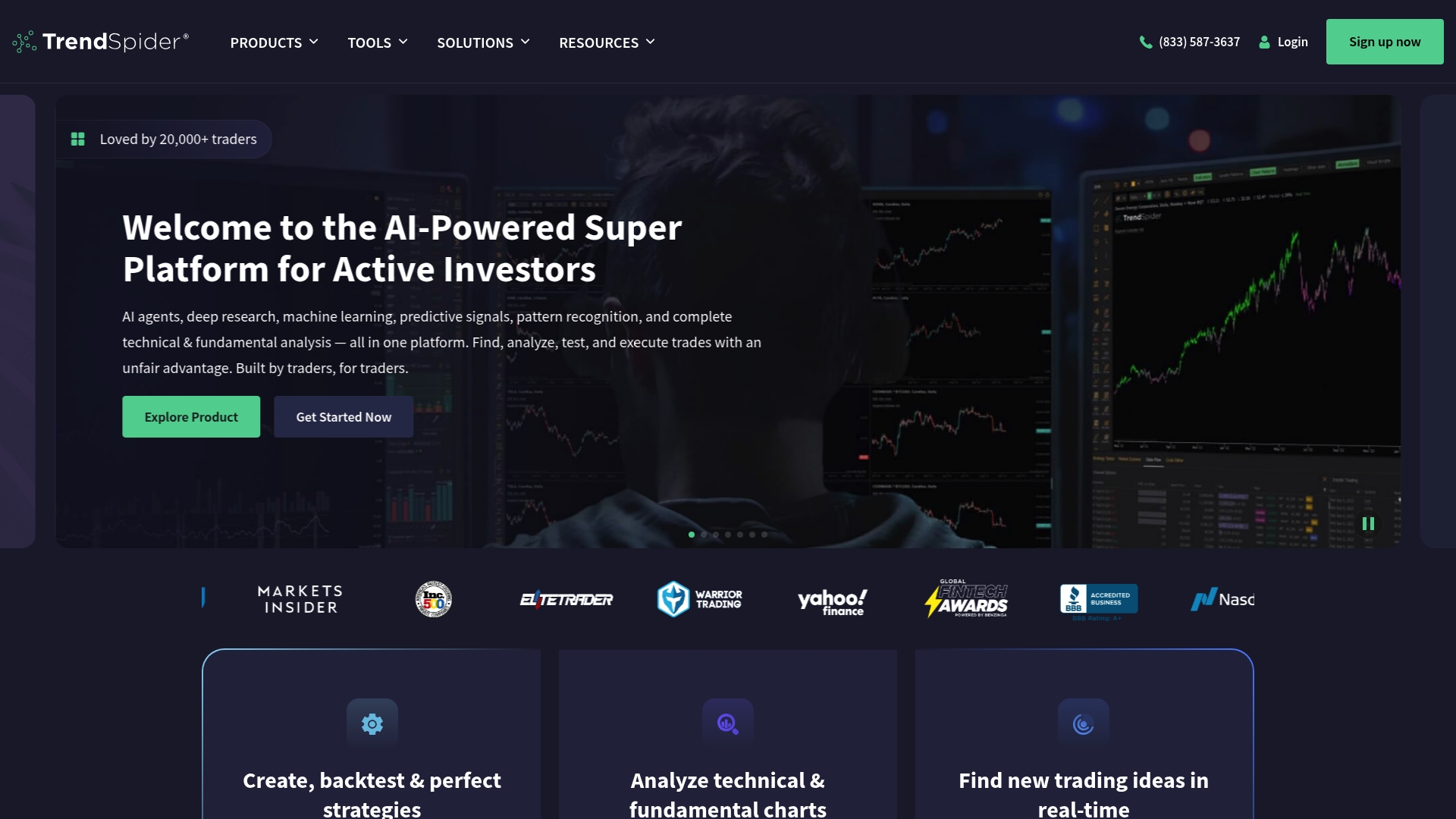
TrendSpider advertises multi timeframe analysis with over 200 indicators. The platform pairs automated pattern recognition and an AI trading assistant to reduce manual chart work. Traders use it for idea generation, backtesting without coding, and automated alerts across desktop and mobile. That mix targets technically minded traders who value deep, programmatic chart work.
Core features
Automated technical analysis and pattern recognition that scans charts and marks levels automatically.
Sidekick, an AI powered assistant, to summarize setups and suggest patterns.
No code strategy builder for backtesting and walk forward testing without writing scripts.
Multi timeframe charts with a large indicator library and custom indicator creation using JavaScript or AI help.
Alerts and execution workflows that connect analysis to notifications and trade automation.
Key differentiator
TrendSpider combines AI, automated pattern detection, and multi timeframe charting into a single workflow. That combination reduces repetitive chart chores and speeds hypothesis testing. Compared with Big Move Algo, TrendSpider targets traders who want deep configurability and strategy testing rather than a minimal signal indicator. The result rewards users who invest time learning the tools.
Pros
Automated scans cut the time spent marking support and resistance levels. This saves hours each week for active traders.
The no code strategy builder lets traders test ideas without programming. That lowers the barrier for systematic strategy work.
Sidekick provides quick, AI generated summaries of chart patterns. It helps traders convert visual setups into testable rules.
Solid multi timeframe workflows make it easier to align intraday moves with longer term trends. That supports swing and positional approaches.
Customer support is frequently described as responsive in vendor materials, which helps when the interface feels complex.
Cons
The learning curve is steep for beginners, and early sessions can feel overwhelming.
Interface complexity slows simple tasks for some users who prefer a lightweight workflow.
Scanner refresh options are limited, which can affect traders who need ultra high frequency updates.
Mobile app usability issues have been reported and may reduce on the go efficiency.
When it may not fit
If you want an ultra simple TradingView overlay that gives single, clear Long and Short signals, this tool may be the wrong fit. Casual traders who need immediate, minimal setup signals will find the depth unnecessary. Traders who rely on rapid scanner refreshes or flawless mobile execution may also prefer a different product.
Who it’s for
Active traders, quantitative analysts, and investment professionals who want automated chart analysis and strategy testing will get the most value. Traders who are willing to invest time to learn the interface and who build or test systematic setups will benefit most.
Real world use case
A professional trader uses multi timeframe analysis and automated pattern recognition to identify breakout setups. They backtest those setups with the no code strategy builder, then attach alerts and execution rules. That workflow turns repeated manual work into a repeatable, testable process.
Pricing
TrendSpider lists tiered subscription plans and pricing on its website. The vendor publishes feature differences by plan, so review the online plan comparison to match features to your needs.
Website: https://trendspider.com
Trade ideas
At a glance
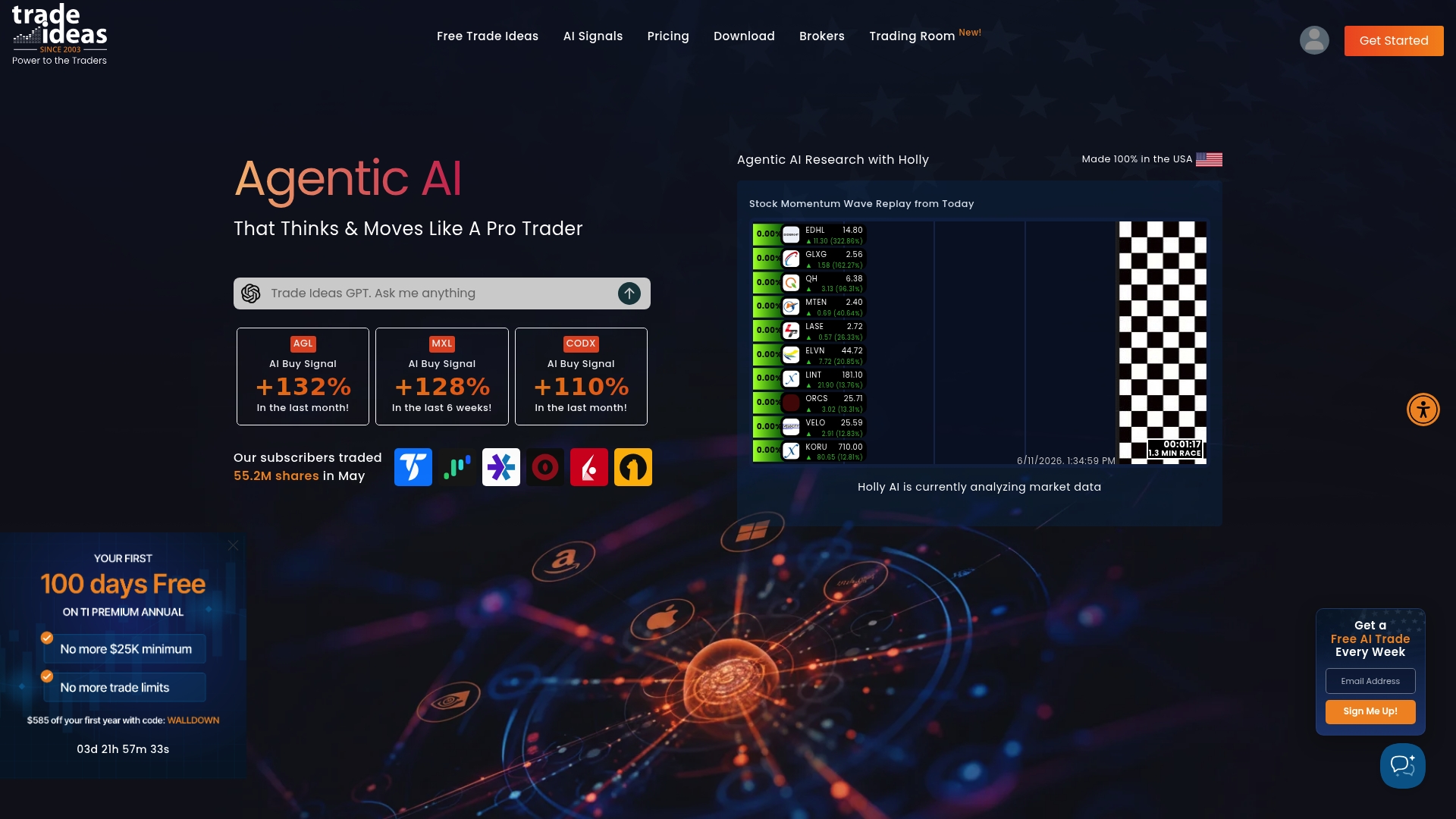
Trade Ideas ships with the proprietary Holly AI engine that runs live scans and adapts strategies to market conditions. The app also highlights momentum with visual tools such as stock racing and PIP charting. Monthly plans start at $89, making advanced scanning available to active traders who trade frequently.
Core features
Trade Ideas offers real-time stock scanning that surfaces momentum and breakout candidates across markets. It includes AI powered trade signals and a strategy library traders can customize and score with backtests. The platform provides simulated trading for practice and a layout system for persistent watchlists and charts. Users get alerts and automation to send orders to supported brokers.
Key differentiator
The central feature is the Holly AI engine. It runs scenario scans and ranks trade ideas based on internal strategy rules. That emphasis on an adaptive AI engine separates Trade Ideas from simple scanners and from manual watchlist workflows. Traders who want automated signal generation will notice the difference quickly.
Pros
Highly customizable scanning and filters let you narrow candidates by exact criteria, from volume to relative strength.
Effective visual tools such as stock racing and PIP charting make intraday momentum easier to spot.
Integration with major brokers streamlines automated order flow and simulated execution for practice trades.
Backtesting and strategy scoring let you test ideas before risking capital, which helps refine setups over time.
Support resources and a community of active traders can shorten the learning curve for new users.
Cons
The user interface feels dated and can confuse new users when they first configure layouts.
Subscription costs run high compared with simpler scanners and some competitors.
Backtesting horizon and the reliability of some AI signals have reported limits, which reduces confidence for some strategy types.
Docked window layouts and multi window management can be cumbersome for traders who prefer minimal screens.
When it may not fit
Trade Ideas is not a great fit if you need a minimal learning curve. Newer traders may find the layout system and feature set overwhelming. Traders who want long historical backtests for complex factor research will hit limits with the available backtesting data. Price sensitive traders who only need basic scans should consider lighter, cheaper tools.
Notable integrations
Trade Ideas connects directly to popular execution platforms. Supported brokers and services include:
TradeStation
Interactive Brokers
Ninja Trader
CenterPoint Securities
Cobra Trading
eSignal
EZE
Nasdaq
Who it’s for
This product fits active individual traders and day traders focused on momentum strategies. It works for traders who want automated signal suggestions and who will trade these signals frequently. It also suits traders who value visual workflows and broker connectivity for rapid order execution.
Real world use case
A professional day trader runs live Holly AI scans each morning to compile a list of intraday momentum candidates. They route simulated orders to test setups, then switch to live execution with one click from the chart. Backtest scores guide which setups the trader scales during volatile sessions.
Pricing
Monthly subscription plans start at $89 for Basic and $178 for Premium. The vendor offers additional add ons and higher tiers for advanced automation and more data. Expect higher costs if you enable broker automation and expanded data feeds.
Website: https://trade-ideas.com
Comparison of alternatives
Exploring trading software alternatives unveils a range of tools tailored to diverse user preferences and strategies.
Beginner-friendly automation
Big Move Algo excels in providing an intuitive interface designed around TradingView. Its AUTO Mode and compatibility with real-time charting make it accessible to traders just starting their journey by simplifying the transition into live market conditions and active decision-making.
Educational depth and advanced analytics
TradeAlgo provides an extensive mentorship program combined with advanced institutional data insights, making it suited for traders wishing to learn and tackle complex market structures. Likewise, Edge to Trade employs backtesting and scanning capabilities derived from SEC-verified data, ensuring precision for more seasoned traders.
Best fit
For traders focusing on efficiency and TradingView-based automated workflows, Big Move Algo’s integration and simplicity stand out.
For individuals emphasizing educational mentorship and gaining AI-driven analytical insights, TradeAlgo provides the expertise and tools necessary for development.
For those who require historical analysis and real-time verified data scanning, Edge to Trade offers an depth and precision.
Our pick
For traders seeking beginner-friendly execution directly within TradingView, Big Move Algo is uniquely equipped. Its AUTO Mode and flexible options make it an excellent choice for implementing strategies with minimal initial complexity. However, traders prioritizing live mentorship or advanced backtesting may find alternatives such as TradeAlgo or Edge to Trade more aligned with their needs.
Choosing the ideal trading indicator software involves understanding the features, pricing, and benefits they each offer. Below is a comparison of five notable options, showcasing their unique strengths and considerations.
Product | Key Differentiator | Best For | Pricing | Notable Limitation |
Big Move Algo | AUTO Mode for TradingView with risk filters | Swing traders and scalpers using TradingView | Free plan, paid from $32/month | Requires TradingView for operation |
TradeAlgo | AI-Generated stock portfolios with rationale | Active investors seeking guided learning | Not disclosed | Mixed reviews regarding legitimacy and refunds |
Edge to Trade | Verified SEC data for share and float accuracy | Day traders monitoring dilution risk | From $49/month | Requires higher plans for full feature access |
TrendSpider | Automation with AI assistant “Sidekick” | Quantitative traders focused on signals | Tiered, check website | Steep learning curve for beginners |
Trade Ideas | Holly AI for adaptive scenario-based signals | Day traders looking for signal automation | From $89/month | Dated interface and high subscription cost |
Discover a simpler, clearer alternative to Trade-Ideas.com with big move algo
If you find yourself overwhelmed by the complexity and high cost of some trade-ideas.com alternatives, consider how Big Move Algo can simplify your trading. This TradingView indicator offers straightforward Long, Short, and Exit signals powered by a built-in Fake Trend Detector to help you avoid misleading setups. Whether you prefer quick AUTO Mode or deeper Manual Mode control, Big Move Algo streamlines decision-making across multiple markets without the noise.
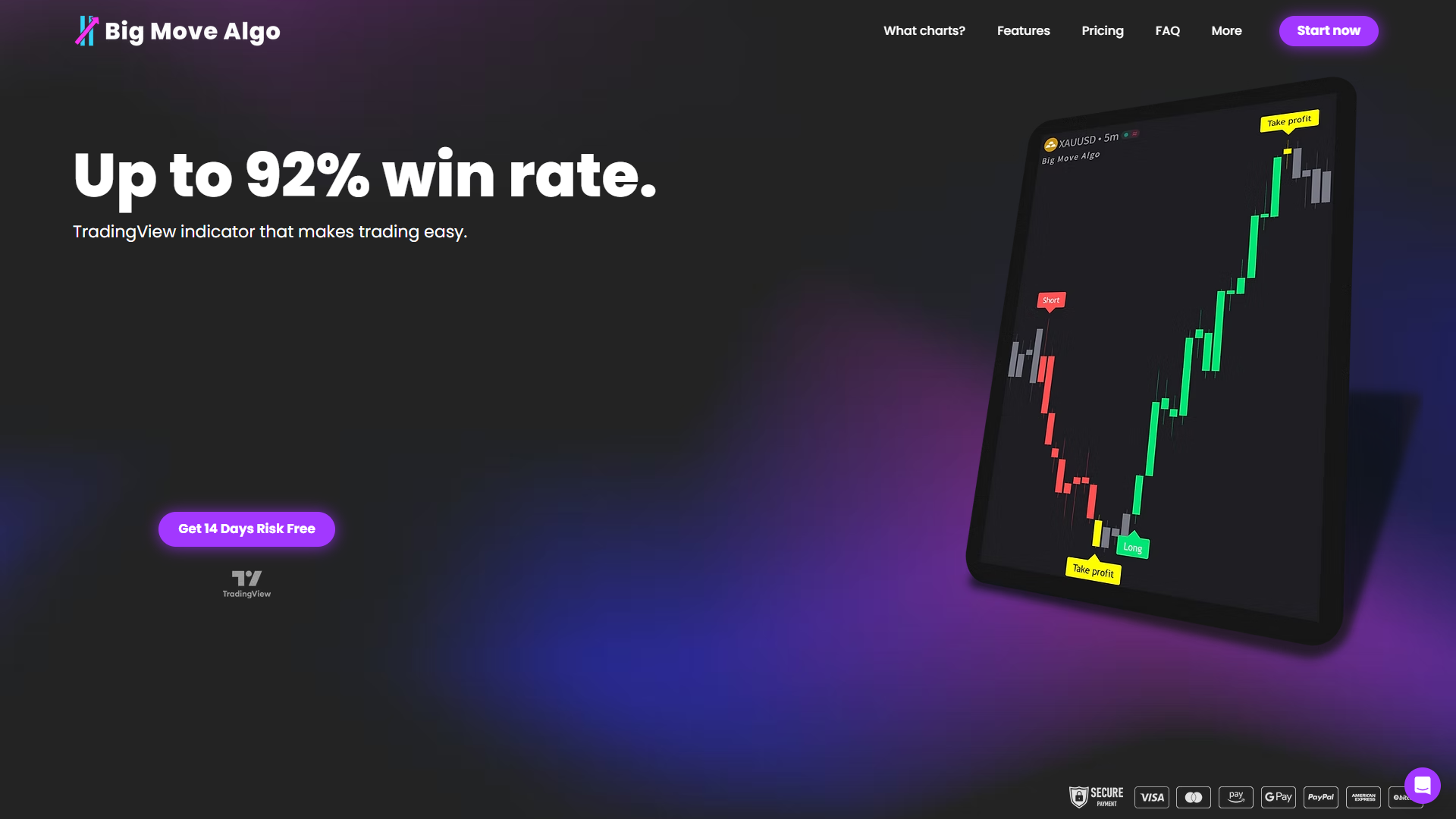
Take control today at Big Move Algo and start receiving clear, actionable market signals that reduce guesswork and emotional trading. Sign up now and test the indicator’s full capability with the free plan to see how easy trading can become.
FAQ
What features make big move algo a suitable choice for beginners?
Big Move Algo is user-friendly, including an AUTO Mode that allows traders to start quickly without complex setups. This is supported by clear instructions and real-time Long, Short, and Exit signals that cater to new traders. Beginners can get a practical introduction to trading without overwhelming technicalities.
How does big move algo compare to TrendSpider for technical analysis?
TrendSpider excels with its automated pattern recognition and extensive indicator library, appealing to those who prioritize deep analysis. In contrast, Big Move Algo is better suited for traders who prefer straightforward signal generation and quick execution without the extensive configuration, making it ideal for traders who want to focus more on execution rather than analysis.
What trading modes does big move algo provide?
Big Move Algo offers both automatic and manual trading modes, allowing traders to choose according to their style and comfort level. This versatility supports different trading preferences, letting users switch between quick trades with AUTO Mode or fine-tune positions using Manual Mode.
Can i expect consistent updates with big move algo?
Yes, Big Move Algo includes lifetime free updates and support, ensuring that traders benefit from the latest features without incurring additional fees. This is crucial for traders who want to stay current with market conditions without facing extra costs.
How does big move algo help mitigate risks in trading?
The platform features built-in risk checks and a Fake Trend Detector to identify low-quality signals. This functionality aids traders in avoiding potential pitfalls associated with volatility and weak market trends, thus enhancing decision-making.
Recommended
Comments