
Top 4 EliteSignals.com Alternatives 2026
- Steven Hartwell

- Jun 17
- 11 min read

Finding a TradingView indicator that balances signal accuracy with automation and affordable pricing is harder than expected. Most solutions force you onto expensive annual subscriptions or require technical setup for their automation features. You can compare key features and pricing across these four TradingView indicator options and choose one that fits your trading workflow and budget.
Table of Contents
Big Move Algo
At a Glance
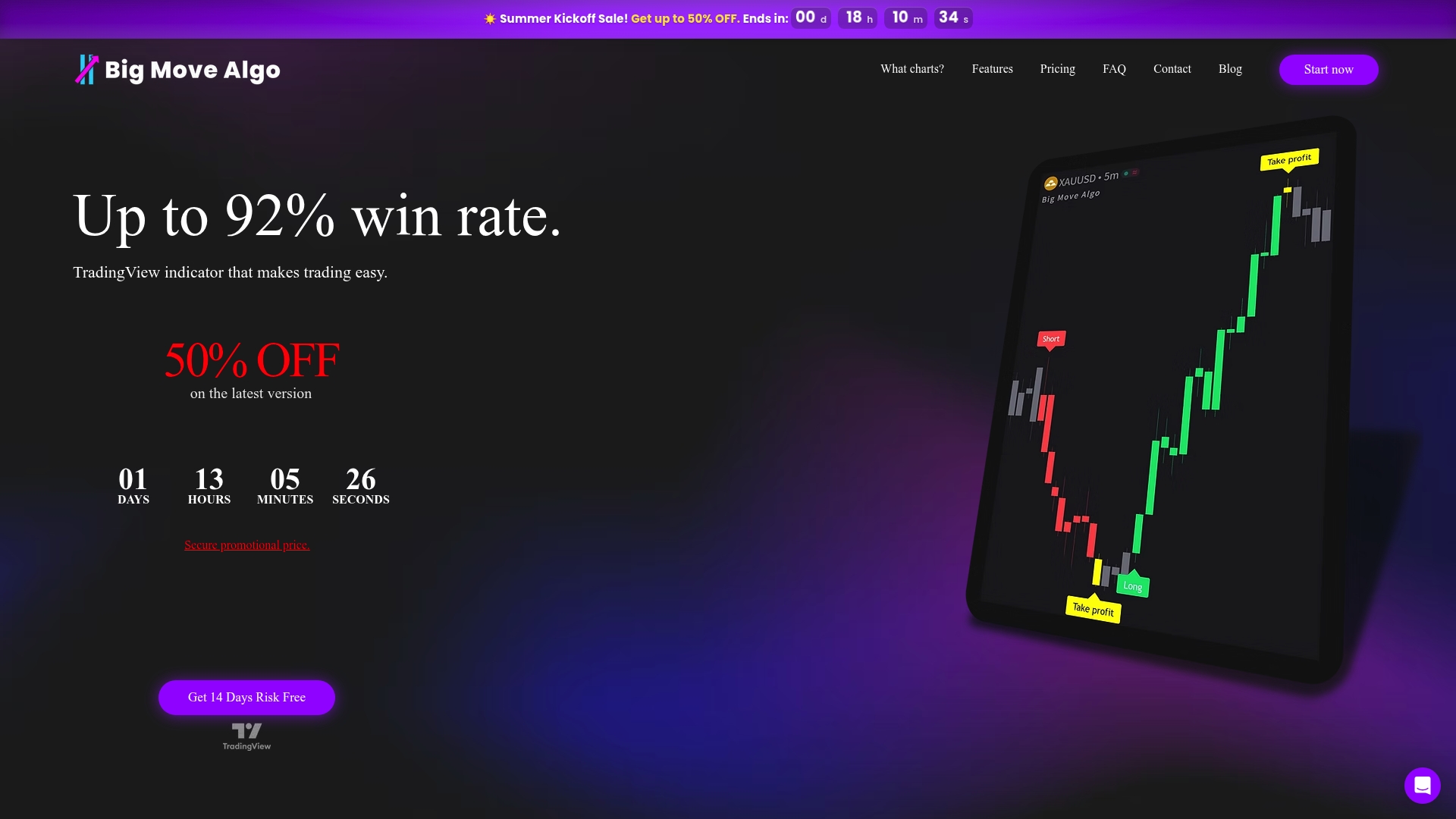
Big Move Algo’s marketing materials claim a win rate of up to 92%. The indicator runs inside TradingView and offers both an automated trading option and a manual mode. It includes a Fake Trend Detector and provides lifetime free updates and support.
Core Features
Big Move Algo supplies AUTO Mode for minimal setup and a Manual Mode for traders who want parameter control. It supports multiple timeframes and markets on TradingView, including stocks, forex, crypto, commodities, and futures. The indicator issues signals, alerts, and guarantees secure candles with a final candle state. The product permits unlimited device access and supports automatic trade execution via TradingView.
Key Differentiator
The clearest difference is the combined presence of automated and manual operation plus broad market compatibility. The built in Fake Trend Detector aims to filter low quality market conditions before a signal fires. That mix suits traders who want to run a simple automated workflow or tune entries on higher timeframes.
Pros
Beginner friendly setup with AUTO Mode makes it quick to start on TradingView. Many traders can begin with minimal configuration.
Works across all markets and timeframes on TradingView, so you can reuse a single indicator for stocks, forex, crypto, or commodities.
No requirement for a paid TradingView plan to access core features. That lowers the entry cost for traders on a budget.
Lifetime free updates and support reduce upgrade anxiety and keep the indicator current as TradingView changes.
Supports automatic trading integration so you can route signals into execution once you have the connector in place.
Cons
Requires a TradingView account and depends on TradingView data and platform stability, so outages or data issues affect performance.
Who It’s For
Traders who use TradingView and want a single indicator that handles day trading, swing trading, and longer term positions. It fits beginners who prefer low setup work and intermediate traders who want manual control and automation in one tool. Traders who do not use TradingView should look elsewhere.
Unique Value Proposition
Lifetime free updates combined with unlimited device access cut ongoing friction for active traders. That arrangement reduces the need to manage licenses per machine. For someone testing multiple markets on TradingView, this lowers administrative overhead and keeps the same configuration across devices.
Real World Use Case
A forex trader watches EURUSD on a 15 minute chart and uses Big Move Algo to receive Long, Short, and Exit alerts. They run AUTO Mode for intraday entries and switch to Manual Mode to tighten parameters before major news. When conditions look unreliable the Fake Trend Detector blocks signals, which helps reduce false entries during chop.
Pricing
Pricing starts at $384 for the first year and then $768 annually thereafter. The vendor reports seasonal promotions with discounts up to 50 percent, so promotional pricing may lower the initial cost.
Website: https://bigmovealgo.com
Flux Charts
At a Glance
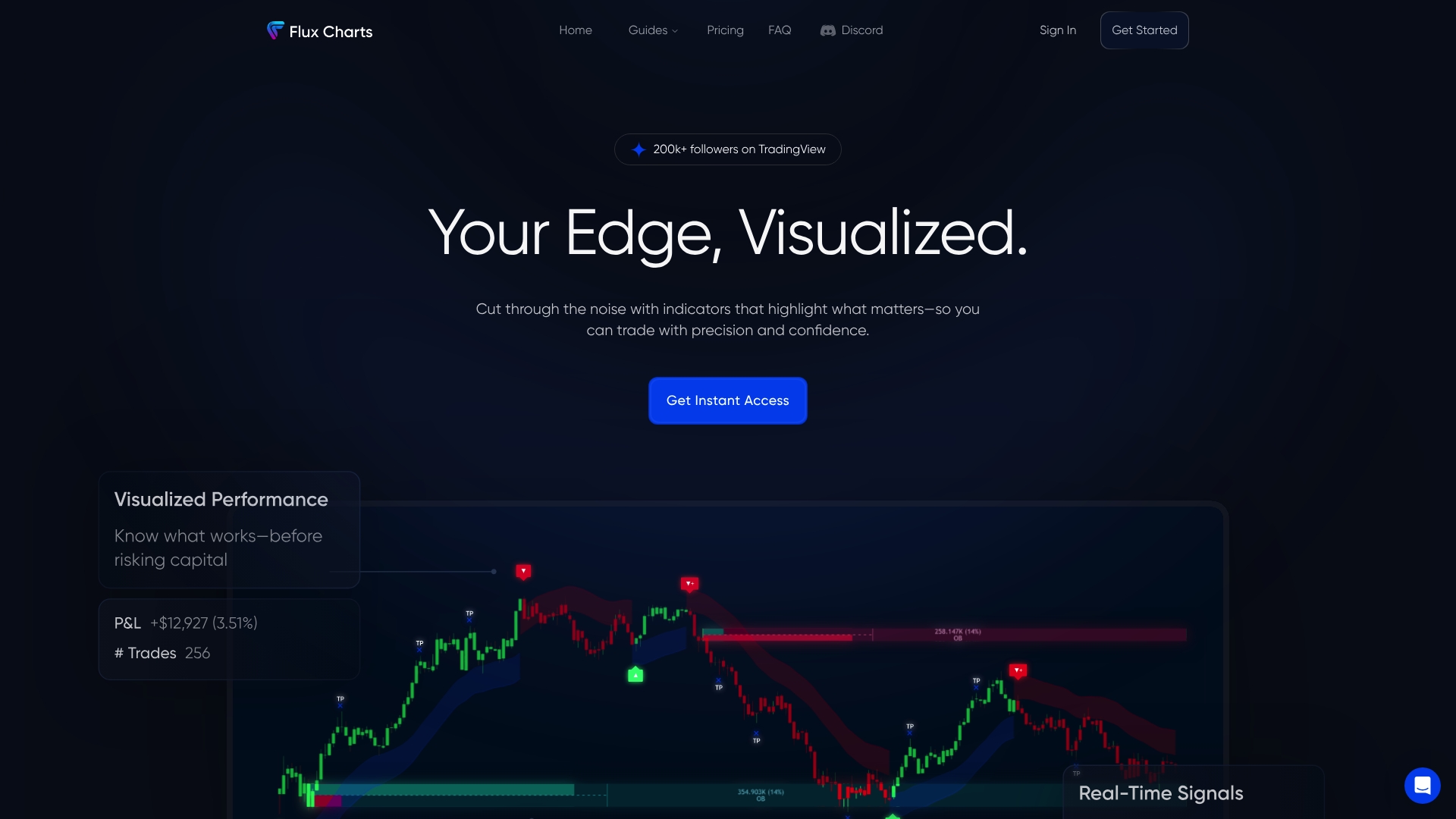
Flux Charts reports over 150,000 followers on TradingView. That figure suggests a large user base engaging with its indicators and publishings. The product packages indicators, chart overlays, backtesting, automation tools, and educational resources behind a paid subscription.
Core Features
Advanced indicators for market analysis that overlay directly on TradingView charts.
Chart overlays to clarify trend structure and support visual signal reading.
Strategy backtesting tools to validate ideas across multiple timeframes and markets.
Automation tools that connect signals to execution pathways within TradingView.
Multiple market and timeframe support so you can test and run across crypto, forex, stocks, and indices.
Key Differentiator
Flux Charts centers its offering on deep TradingView integration. That focus keeps analysis, backtesting, and automation inside a single charting environment. Compared with Big Move Algo, which emphasizes a simpler TradingView indicator and AUTO Mode for fast starts, Flux Charts aims at traders who want full strategy validation and automated execution inside TradingView.
Pros
Trusted by a large community. The community size reported above often correlates with broad user feedback and public scripts.
A wide array of tools in one paid package. You get indicators, overlays, screeners, backtesting, and education under a single subscription.
Built-in backtesting and automation. The tools let you test rules and then automate execution without moving platforms.
Clear visual signals that reduce time spent scanning charts. Visual overlays and signal markers speed decision making.
Supportive customer service. The vendor advertises guided help and documentation for new users.
Cons
Price point may be prohibitive for casual traders who only test ideas occasionally.
The product requires an active TradingView account. Without one you cannot use the tools.
Several advanced features have a learning curve. New traders will need time to set up backtests and automation.
When It May Not Fit
If you do not use TradingView, Flux Charts is the wrong choice. Budget-conscious hobby traders may find the annual cost steep for occasional use. Traders who prefer a minimal, single-indicator workflow rather than full backtesting and automation will want a simpler tool.
Notable Integrations
TradingView — core integration for charting, indicators, and automation.
Who It’s For
Active traders and technical analysts who already use TradingView and want a single environment for testing and running strategies. Traders who plan to automate executions across multiple markets will gain the most. It suits users ready to trade with structured rules rather than ad hoc signals.
Real World Use Case
A professional trader backtests a new breakout strategy with Flux Charts’ backtesting tools. After validating entry and exit rules, the trader wires the signals to automation and runs the strategy across three markets. That workflow saves time and enforces the tested rules during live sessions.
Pricing
Subscription pricing is listed at $59.99 per month when billed annually at $719.88. The vendor advertises this as a 50% saving versus monthly billing. The plan includes indicators, screeners, backtesting, automation tools, and educational resources.
Website: https://fluxcharts.com
Smart Trading Indicators
At a Glance
Offers back testing directly on TradingView charts, which helps you validate ideas against historical data. The vendor’s marketing materials state it uses AI, machine learning, and neural networks to produce precise signals. That claim means the tool blends statistical models with indicator logic rather than relying on static rules alone.
Core Features
Smart Trading Indicators bundles several practical capabilities for technical traders. It provides AI-powered technical analysis tools that adapt to market behavior. The indicators are customizable and auto adaptive so you can tune them to your timeframe and instrument. The package also includes real time trading alerts and built in back testing on TradingView charts for strategy validation.
Key Differentiator
The product’s main distinction is the combination of AI driven, auto adaptive indicators tightly integrated with TradingView. That setup lets you view signals on the same charts you already use and test strategies inside the TradingView environment. For traders who work on multiple markets, the same indicator logic can run across crypto, forex, stocks, indices, and commodities.
Pros
Clear back testing on TradingView charts. You can check historical performance without moving data between platforms.
Customizable indicators that adapt to timeframes. Adjust sensitivity and filter settings to match your strategy.
Real time alerts that notify you when setups occur. Alerts make it easier to act on entries and exits.
Community resources and trader stories. Peer examples help you see how others apply the indicators in practice.
Cons
The vendor warns results do not guarantee profits, which is a standard trading limitation. That sets realistic expectations.
Relying on AI driven signals may not suit traders who prefer pure price action or discretionary methods. Some traders will find signal dependence limiting.
The tools do not remove inherent market risk. You still need position sizing and risk controls outside the indicator.
When It May Not Fit
If you avoid algorithmic or signal based systems, this product may not match your workflow. Traders who run fully discretionary methods or who only use tape reading will find little benefit. Also, if you lack a TradingView subscription, you will need one to use the back testing features inside that charting platform.
Notable Integrations
TradingView
Who It’s For
This product fits traders who want AI assisted technical analysis inside their existing charting setup. It suits traders across experience levels who use indicators and want evidence from back testing. Active traders who monitor multiple markets will get the most value from the cross market support.
Real World Use Case
A forex trader back tests a breakout strategy on TradingView using Smart Trading Indicators. The tool highlights historical trade setups and produces real time alerts when the pattern repeats. The trader uses those alerts to check entries, then applies position sizing rules to manage risk.
Pricing
Pricing ranges from lifetime plans to subscription options and alert focused packages. The vendor lists a Lifetime Plan, Indices, Trading Alerts, and subscription choices on its plans page. Check the provider’s plans page for current details and exact pricing tiers.
Website: https://smarttradingindicators.com
LuxAlgo
At a Glance
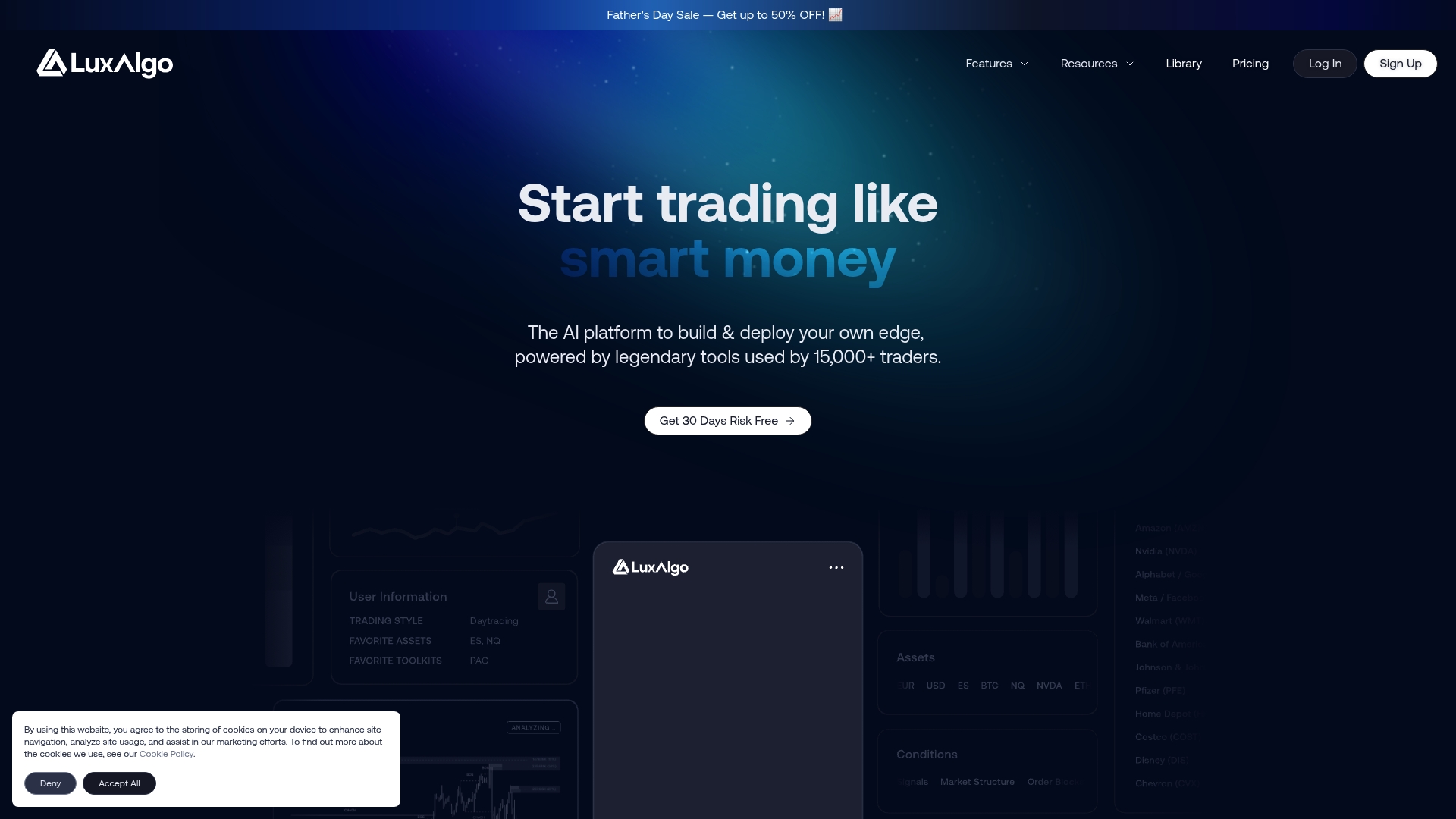
LuxAlgo’s marketing materials state a library of more than 1,000 indicators, scanners, trading algorithms, and AI tools. That breadth gives you many templates and prebuilt signals to test without starting from scratch. The platform layers AI backtesting and automated alerts so you can iterate strategy ideas faster.
Core Features
AI powered strategy builder. Create strategies using natural language prompts or by uploading chart screenshots for reverse engineering. This converts concepts into Pine Script® prototypes.
AI backtesting engine. Run scenario tests and compare variants to surface promising configurations. The engine is built to explore parameter choices quickly.
Automated alerts and execution. Set real time alerts and webhook deliveries for execution platforms. Alerts can mirror test settings for closer replication.
Large indicators library. Access many indicators and scanners across multiple markets including stocks, crypto, forex, and commodities. Use them as building blocks for custom systems.
TradingView integration. Deep ties to TradingView let you deploy scripts and view results on familiar charts.
Key Differentiator
LuxAlgo combines AI driven strategy creation with direct Pine Script® output. The platform can translate a plain language prompt or a chart screenshot into a working indicator or strategy skeleton. That flow shortens the path from idea to deployable code for traders who want programmatic control without writing scripts from scratch.
Pros
Large toolset speeds prototyping. The vendor reports that setup time drops when you reuse templates from the indicator library.
Strong community and tutorials. Active forums and documentation help you learn the AI features and backtesting workflow.
Multiple engagement modes. You can use indicators, build AI strategies, backtest, or run automated alerts depending on your skill level.
Flexible plans. Monthly options let beginners test features while higher tier plans enable automation and advanced AI capabilities.
Good market coverage. Support for stocks, ETFs, crypto, forex, and commodities makes it useful across asset classes.
Cons
Steep learning curve for beginners. The AI tools add capabilities but also extra complexity for traders new to scripting.
Automation features target experienced users. Full automation may require technical skill to match live execution with test assumptions.
Pricing may be high for small accounts. The cost can matter for casual traders or low capital strategies.
When It May Not Fit
If you are a complete beginner who prefers simple signal alerts without any scripting, this product can feel overwhelming. If your account size is small and subscription fees would consume a large portion of capital, look for cheaper signal services. If you need turnkey broker integrations without handling webhooks or scripts, this product may demand more setup work.
Notable Integrations
TradingView
Webhooks
Who It’s For
Active traders and quantitative strategists who want AI enabled tools for indicator creation, backtesting, and automation will get the most value. Traders who accept some scripting or integration work will use the platform to convert ideas into testable strategies. Less technical traders can still benefit by using community templates and alerts.
Real World Use Case
A professional trader uses the AI strategy builder to convert a manual pattern recognition approach into Pine Script® logic. They run multiple backtests to compare entries and exits. Then they push alerts to webhooks for a low latency execution path that mirrors the test environment.
Pricing
Plans start at $54.39 per month for the Premium plan and $77.99 per month for the Ultimate plan. The vendor advertises discounts for annual payment that reduce the monthly equivalent.
Website: https://luxalgo.com
Comparison of alternatives
Finding the right trading indicator platform involves considering ease of use, feature comprehensiveness, and adaptability to various trading strategies. Among the options available, each brings unique strengths and allows traders to select an approach that aligns with their style and goals.
Simplicity versus Customization
Big Move Algo stands out with its AUTO Mode, a feature that simplifies setup by automating trading signal generation. This makes it an excellent choice for beginners or traders looking for a straightforward setup. In contrast, LuxAlgo provides extensive customization options and tools for advanced users, such as its AI-powered strategy builder and Pine Script® integration, enabling professionals to tailor every aspect of their trading algorithms to their specifications.
Cost Efficiency and Community Resources
Flux Charts caters to cost-conscious traders seeking a package containing indicators, overlays, and educational resources within a subscription model. Its community also offers practical experiences and shared strategies, giving users access to diverse utility. Meanwhile, Smart Trading Indicators leverages AI-driven signals and market adaptiveness, aimed at semi-automated and data-driven approaches, complementing users looking for advanced technical analysis without overreaching in costs.
Best fit
For novice traders using TradingView, Big Move Algo provides an approachable option featuring automated and manual modes to facilitate dynamic learning.
Experienced traders intending to deploy complex algorithms might favor LuxAlgo due to its AI-powered capabilities and strategy creation tools for system modeling.
Cost-sensitive individuals could consider Flux Charts for its all-in-one subscription package that includes educational support alongside practical application tools.
For technically inclined individuals focused on statistical signal validation, Smart Trading Indicators stands out, offering backtesting and adaptative calibration supported by artificial intelligence.
Our pick
For TradingView users who value a balance between accessibility and functionality alongside essential automation features, Big Move Algo strikes the appropriate accord. While LuxAlgo leads in complex customization, the intuitive design and Fake Trend Detector make Big Move Algo exceptionally effective for recovering traders requiring consolidation of trading insights. It may not suit those seeking deeply embedded script customization, which other platforms like LuxAlgo can deliver effectively.
Evaluating various TradingView-compatible solutions helps identify the platform that aligns best with your specific trading requirements.
Product | Key Features | Best For | Pricing | Limitation |
Big Move Algo | AUTO/Manual modes, Fake Trend Detector, multi-market | TradingView-focused, adaptable workflows | $384 first year, then $768 annually | Depends on TradingView platform stability |
Flux Charts | Indicators, overlays, backtesting, education package | Integrated environment for strategy testing | $59.99/month billed annually ($719.88/year) | High learning curve for advanced features |
Smart Trading Indicators | AI-assisted adaptable indicators, real-time alerts | Algorithmic and technical indicator fans | Not disclosed | Requires TradingView subscription usage |
LuxAlgo | AI-powered strategy builder, expansive indicator set | Quantitative traders requiring scripting | $54.39 to $77.99/month | Complex functionality for novice traders |
Discover a Clear Alternative to Overwhelming Trading Tools
Many traders looking for elitesignals.com alternatives face the challenge of complex setups and mixed signals that create confusion and hesitation. Big Move Algo addresses these concerns with a proprietary TradingView indicator that delivers actionable Long, Short, and Exit signals in real time. Its unique Fake Trend Detector filters out misleading market noise so you avoid risky trades and focus on high-probability opportunities.
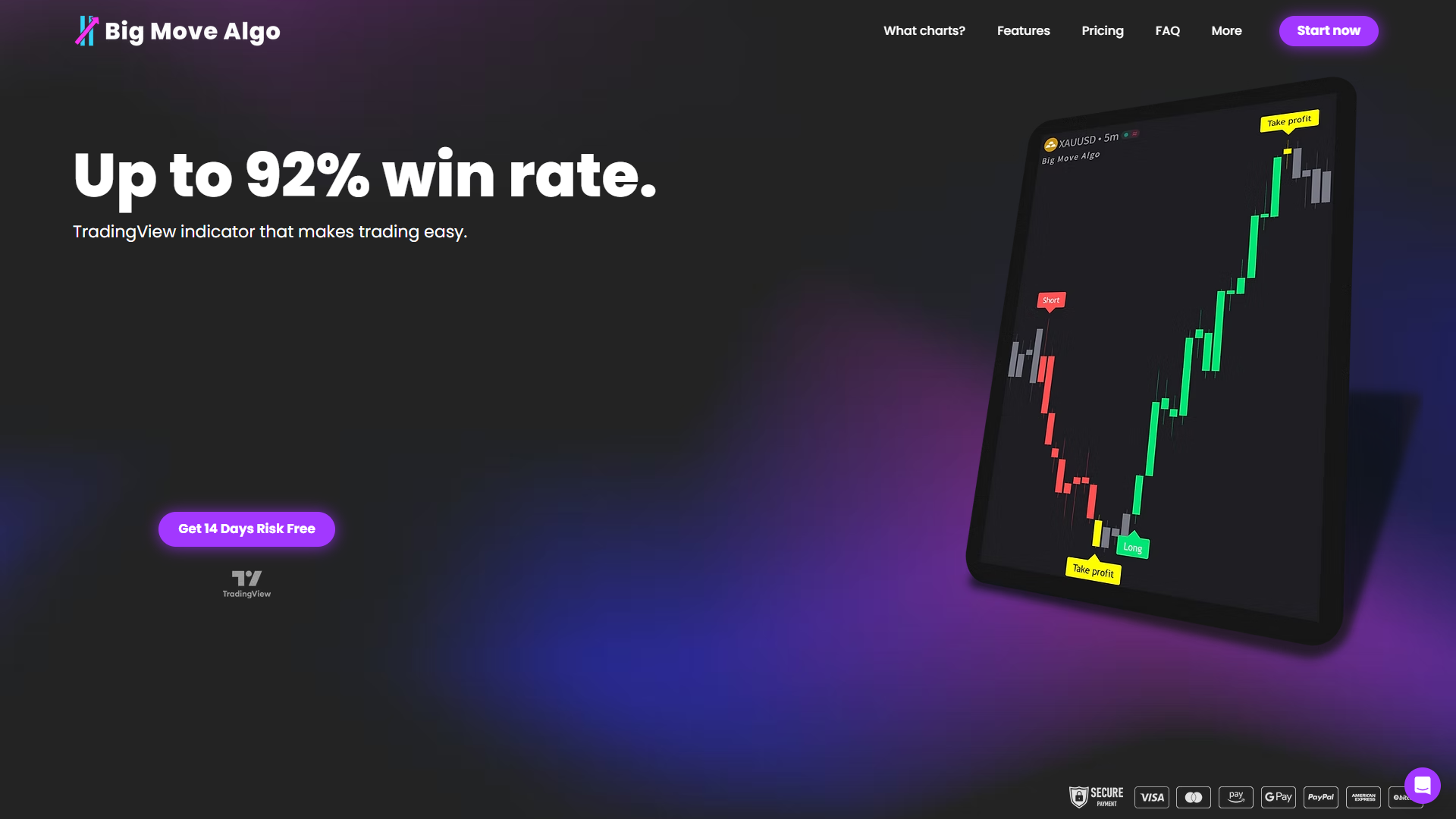
If you want a streamlined, easy-to-use indicator with both AUTO Mode for quick start and Manual Mode for customization, visit Big Move Algo now. Take control by trying Big Move Algo’s multi-market support and lifetime updates to make clearer trading decisions without guesswork or excess complexity.
FAQ
What features make Big Move Algo suitable for TradingView users?
Big Move Algo offers both AUTO Mode for quick setup and Manual Mode for more control, catering to various trading preferences. It supports multiple timeframes and markets within TradingView, making it versatile for stocks, forex, crypto, and commodities. Traders should expect to quickly implement strategies across different assets with this combination of features.
How does Big Move Algo compare to Flux Charts in terms of functionality?
Flux Charts provides a wide range of advanced tools for market analysis, including indicators and automation functionality for backtesting, which is advantageous for users seeking comprehensive strategy testing. In contrast, Big Move Algo excels in offering a user-friendly experience with its AUTO Mode, ideal for beginners who prefer a less complex approach. Traders should choose based on whether they need extensive analysis tools or a simpler trading toolset.
Which platform supports automatic trading execution similar to Big Move Algo?
Both Big Move Algo and Smart Trading Indicators support automatic trading integration through TradingView, allowing traders to execute trades based on the signals received. This functionality is essential for users looking to automate their trading strategies, simplifying the execution process when certain conditions are met.
Can I use Big Move Algo without a paid TradingView account?
You need a TradingView account to use Big Move Algo, as it relies on TradingView’s platform for data and execution. This means that accessing its features involves being a registered user of TradingView to fully leverage its capabilities for trading.
What is the pricing structure for Big Move Algo?
Big Move Algo starts at $384 for the first year, with an annual renewal fee of $768 thereafter. Potential users should be aware of promotional discounts, which could reduce initial costs significantly, making it a more appealing option for new traders.
Recommended
Comments