
What Is a Trading Platform? Your 2026 Guide
- Steven Hartwell

- Jun 15
- 8 min read

A trading platform is digital software provided by brokerages that connects traders to financial markets, allowing them to place orders, monitor positions, and manage portfolios in real time. Think of it as the control panel between you and every market you want to trade. Without a platform, there is no practical way to access live prices, execute a buy or sell order, or track your open positions. Platforms range from simple mobile apps built for beginners to professional-grade systems used by institutional desks. MetaTrader, TradingView, and thinkorswim are three of the most recognized names in this space, and each serves a distinctly different type of trader.
What is a trading platform and how does it work?
A trading platform is software that sits between you and your broker’s servers, translating your clicks into live market orders. The six-step process runs like this: you open an account, the platform connects to broker servers, real-time data flows to your screen, you submit an order, the broker processes it, and you receive a trade confirmation. Each step happens in seconds, often milliseconds.
The broker and the platform are not the same thing. A broker is a regulated intermediary, while the platform is the software interface that routes your orders. MetaTrader 4, for example, runs on dozens of different brokers. The same charting interface can behave differently depending on which broker’s servers and liquidity sources sit behind it. That distinction matters when you are comparing execution speed or spread quality.

Most platforms handle more than just order entry. Features include account management, multiple order types, real-time financial news, interactive charts, and educational content tailored to specific markets like stocks or forex. Some platforms also support margin accounts, retirement accounts, and self-directed accounts with instruments ranging from ETFs to futures and bonds.
What are the main types of trading platforms?
Trading platforms fall into two broad categories: commercial licensed software and proprietary broker platforms.
Commercial licensed platforms are built by independent software companies and licensed to multiple brokers. The most widely used examples include:
MetaTrader 4 and MetaTrader 5 (MT4/MT5): The dominant platforms for forex and CFD trading worldwide, known for their automated trading support and large library of custom indicators.
TradingView: A web-based charting platform popular across crypto, stocks, and forex. It combines social features with powerful technical analysis tools.
thinkorswim: Developed by TD Ameritrade (now part of Charles Schwab), this platform targets active stock and options traders with professional-grade analytics.
Proprietary broker platforms are built in-house by a specific brokerage for its own clients. Interactive Brokers’ Trader Workstation and Robinhood’s mobile app are two well-known examples. Commercial platforms dominate multi-asset trading, while proprietary platforms serve professional and algorithmic traders.
Beyond software type, platforms also differ by device:
Desktop applications offer the most processing power and screen real estate, ideal for traders running multiple charts simultaneously.
Web-based platforms require no download and work on any browser, making them accessible and easy to set up.
Mobile apps prioritize speed and simplicity, suited for monitoring positions and placing quick trades on the go.
Asset class focus is another dividing line. Some platforms specialize in a single market, such as forex or crypto. Others are multi-asset, covering stocks, indices, commodities, and currencies from one interface.
What features should you compare in trading platforms?
The quality of a platform’s tools directly affects your trading decisions. Decision-support tools like real-time news feeds, economic calendars, and technical indicators reduce emotional trading. That is not a minor convenience. It is the difference between reacting to noise and acting on structured analysis.
Here are the core features worth evaluating before you commit to any platform:
Real-time quotes and charting: Live price feeds and interactive charts with multiple timeframes are non-negotiable for any active trader.
Order types: Look for market orders, limit orders, stop-loss orders, and take-profit orders at minimum. Advanced platforms add trailing stops and conditional orders.
Execution speed: Latency matters. Platform stability and low-latency updates are crucial for active trading success, especially when markets move fast.
Risk management tools: Stop-loss and take-profit settings let you define your risk before entering a trade, removing the need to monitor every position manually.
Educational and research resources: Fidelity is a strong example here, offering deep research tools alongside its trading interface. Beginners benefit significantly from platforms that include tutorials, glossaries, and market commentary.
API access and customizability: For traders moving toward automation, API availability is key for integrating external signals and analytics. TradingView’s Pine Script and MT4’s MQL4 language are two widely used examples.
Pro Tip: Before choosing a platform, open a demo account and test the order entry process under simulated live conditions. A platform that feels clunky in a demo will feel worse when real money is on the line.
The gap between beginner-friendly and professional-level platforms is real. Robinhood strips away complexity to make stock buying accessible in minutes. Interactive Brokers exposes full order depth, margin calculations, and multi-leg options strategies. Neither is objectively better. The right choice depends entirely on what you trade and how you trade it.
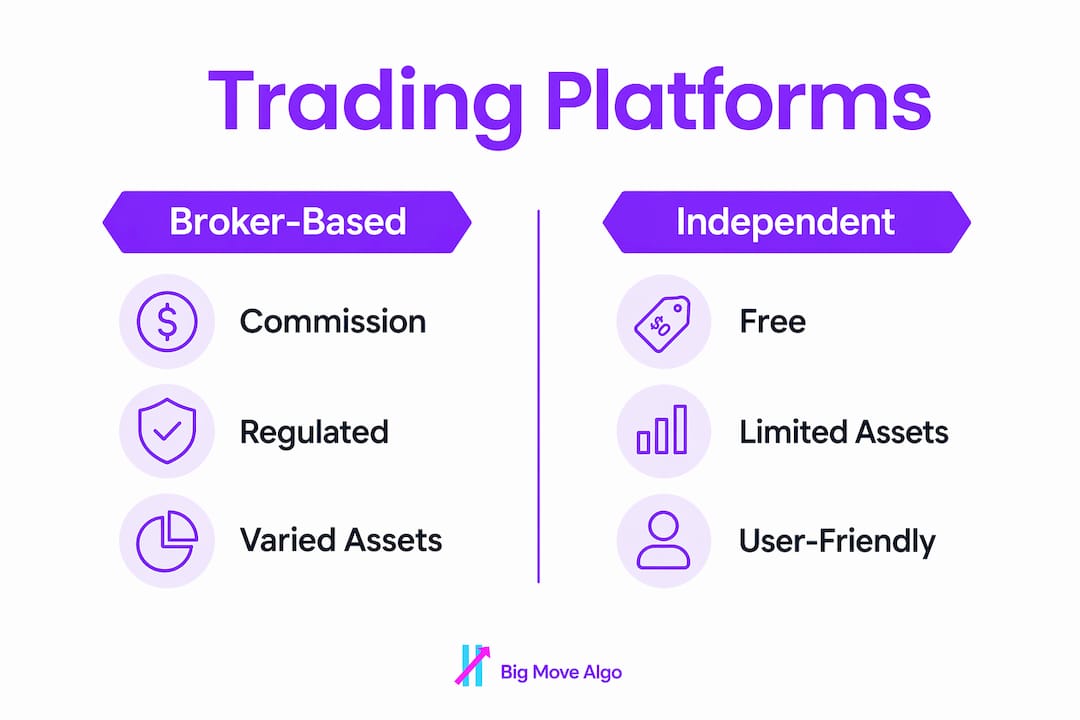
Trading platform comparison: costs, usability, and reputation
Choosing the best trading platform means weighing four practical factors: fees, usability, regulatory standing, and market access.
Fee structures vary widely. Commission-free retail platforms contrast sharply with professional platforms that charge fees for data feeds. Robinhood charges no commissions on stock trades. Interactive Brokers charges per-share commissions but offers institutional-grade execution. TradingView charges a monthly subscription for premium charting features, separate from any broker fees.
Pro Tip: Watch for hidden costs. A “free” platform may earn revenue through payment for order flow, which can result in slightly worse execution prices on your trades.
Here is a practical comparison of four widely used platforms:
Platform | Best For | Cost Model | Asset Classes | Regulatory Standing |
MetaTrader 4/5 | Forex and CFD traders | Free software, broker fees vary | Forex, CFDs, crypto | Depends on broker |
TradingView | Charting and analysis | Free tier plus paid plans | Stocks, forex, crypto, indices | N/A (charting only) |
thinkorswim | Active stock and options traders | Commission-free (Schwab) | Stocks, options, futures, forex | SEC and FINRA regulated |
Interactive Brokers | Professional multi-asset trading | Per-trade or tiered pricing | Stocks, options, futures, bonds, forex | SEC, FINRA, FCA regulated |
Regulatory reputation is not optional. A platform connected to an unregulated or lightly regulated broker carries real financial risk. Always verify that the broker behind your platform holds a license from a recognized authority such as the SEC, FINRA, FCA, or ASIC.
Market access breadth also separates platforms. A trader focused on U.S. equities has different needs than someone trading forex pairs across Asian and European sessions. Match the platform’s market coverage to your actual trading plan.
How to use a trading platform effectively
Getting started on a trading platform follows a clear sequence. Skipping steps early creates problems later.
Open and verify your account. Most brokers require identity verification under KYC (Know Your Customer) rules. Have your government ID and proof of address ready.
Fund your account. Deposit the minimum required amount. Start with capital you can afford to lose while you learn the platform.
Explore the charting tools. Set up your preferred timeframes and add one or two indicators. Avoid loading charts with ten indicators at once. Clarity beats complexity.
Place a practice trade. Use a demo account or place a small real trade to test the order entry flow. Confirm that stop-loss and take-profit fields work as expected.
Use the news feed and economic calendar. Major economic releases move markets sharply. Knowing when the U.S. Non-Farm Payrolls report or Federal Reserve rate decision is scheduled prevents being caught off guard.
Review your trade history regularly. Most platforms log every trade with entry price, exit price, and profit or loss. Reviewing this data weekly builds pattern recognition faster than any course.
The most common mistake beginners make is treating the platform as the strategy. The platform is a tool. Your trading rules, risk limits, and decision process are the strategy. A well-designed new trader checklist can help you avoid the most expensive early mistakes before you commit real capital.
Scaling from beginner to intermediate use means gradually adding complexity. Start with market and limit orders. Add stop-loss orders once you are comfortable. Then explore conditional orders and position sizing tools. Each layer adds control without overwhelming you from day one.
Key takeaways
A trading platform is the software layer that determines how fast, how clearly, and how confidently you can act in any market.
Point | Details |
Core definition | A trading platform connects traders to markets via broker servers for real-time order execution. |
Two main types | Commercial platforms like MT4 and TradingView differ from proprietary broker-built platforms. |
Features drive outcomes | Decision-support tools like news feeds and economic calendars reduce emotional trading decisions. |
Compare before committing | Evaluate fees, execution speed, regulatory standing, and market access before choosing a platform. |
Build skills progressively | Start with basic order types and add complexity only after mastering each layer of the platform. |
Why most traders pick the wrong platform first
I have watched traders spend months on the wrong platform, not because the platform was bad, but because it was mismatched to their actual trading style. A beginner who opens an Interactive Brokers account and stares at Trader Workstation for the first time will often quit before placing a single trade. The interface is built for professionals. That complexity is a feature for them and a barrier for everyone else.
The more interesting mistake is the opposite one. Experienced traders who stay on simplified platforms because they are comfortable miss real advantages. Modular setups combining TradingView for charting linked via API to execution platforms outperform single-app solutions for traders who have outgrown their starter platform. The flexibility is worth the setup effort.
My honest recommendation is this: pick a platform that matches where you are now, not where you hope to be in two years. You can always migrate. What you cannot recover is the time and money lost trading on a platform that does not fit your current skill level or strategy. Stability and clarity matter more than feature count. A platform that crashes during a volatile open or lags on order confirmation is a liability, regardless of how many indicators it offers.
The best traders I know treat their platform setup as a living system. They test, adjust, and upgrade as their strategy evolves. That mindset, more than any specific platform choice, is what separates traders who last from those who burn out.
— Steven Hartwell
Add structured signals to any trading platform
Understanding your platform is the foundation. Knowing what to do with it is the next step.
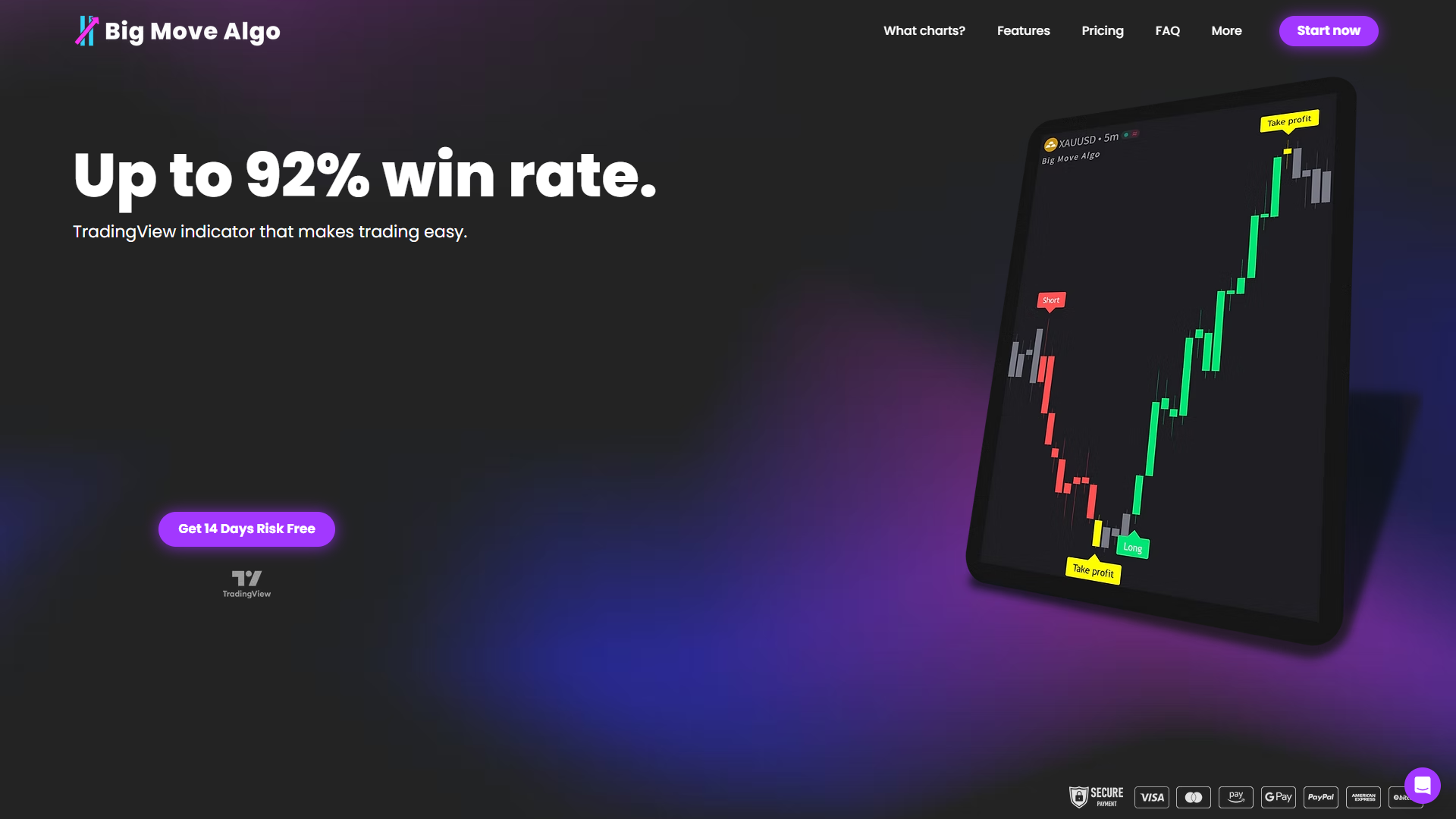
Big Move Algo is a TradingView indicator that delivers clear Long, Short, and Exit signals directly on your charts, with up to 92% win rate across crypto, forex, stocks, indices, and commodities. The built-in Fake Trend Detector filters out low-quality market conditions so you are not trading noise. AUTO Mode gets you running in minutes with minimal setup, while Manual Mode gives experienced traders full control. Whether you are just learning how to use a trading platform or looking to add a structured decision layer to your existing setup, Big Move Algo turns complex market analysis into clear, structured calls.
FAQ
What does a trading platform actually do?
A trading platform connects you to your broker’s servers, displays real-time market prices, and lets you place, manage, and close trades from a single interface. It also provides charting tools, order management, and account tracking in one place.
What is the difference between a broker and a trading platform?
A broker is a regulated intermediary that executes your trades in the market. A trading platform is the software interface you use to submit those orders. The same platform, like MetaTrader 4, can run across many different brokers with varying execution quality.
Which trading platform is best for beginners?
TradingView and thinkorswim are strong starting points for beginners because both offer free tiers, clear interfaces, and built-in educational resources. The best choice depends on which asset class you plan to trade first.
How do trading platform fees work?
Fee structures vary by platform and broker. Some platforms like Robinhood are commission-free on stock trades, while others charge per-trade commissions or monthly data feed fees. Always check both the platform subscription cost and the broker’s execution fees before opening an account.
Can i use multiple trading platforms at once?
Yes. Many active traders use TradingView for charting and analysis while routing orders through a separate execution platform via API. This modular approach lets you use the best tool for each specific task without being locked into one broker’s interface.
Recommended
Comments