
Why TradingView Is Popular for Traders: 2026 Guide
- Steven Hartwell

- Jun 23
- 7 min read

TradingView is the leading web-based charting and social network platform that millions of traders use daily to analyze markets, share ideas, and execute trades across stocks, forex, crypto, and futures. Understanding why TradingView is popular for traders comes down to three things: it requires no software installation, it covers virtually every asset class, and it connects you to a massive community of analysts publishing real-time trade ideas. No other platform combines those three elements at the same price point. Whether you trade part-time or full-time, TradingView has become the default starting point for retail traders worldwide.
What core features of TradingView attract retail traders?
TradingView is browser-based and requires no installation, which means you can pull up your charts on any device without configuring software or managing updates. That alone removes a barrier that stops many beginners from getting started. You log in, and your workspace is exactly where you left it.
The charting engine is the platform’s strongest feature. TradingView supports over 100 built-in indicators, multiple chart types including Heikin Ashi and Renko, and a full suite of drawing tools for trend lines, Fibonacci retracements, and pattern annotations. You can run up to eight charts simultaneously on a single screen, which makes multi-timeframe analysis practical rather than theoretical.

Pine Script is TradingView’s proprietary coding language for building custom indicators and automated strategies. It uses a readable syntax that beginners can learn in days, not months. That accessibility matters because Pine Script strategies generate full backtest reports through the built-in Strategy Tester, letting you vet a trading idea before risking real capital. One critical warning: the default backtest settings use zero commission, which inflates results. Always set realistic commission and slippage values before trusting any backtest output.
The platform’s market coverage is genuinely broad. TradingView supports:
Stocks from major global exchanges including NYSE, NASDAQ, and LSE
Forex pairs across all major and minor currency pairs
Crypto assets including Bitcoin, Ethereum, and hundreds of altcoins
Futures and indices including the S&P 500, Nasdaq 100, and commodity contracts
Commodities like gold, oil, and natural gas
Pro Tip: Use TradingView’s screener tools to filter stocks or crypto by technical conditions. You can screen for assets crossing a moving average or hitting a new 52-week high, then jump directly into the chart for deeper analysis.
How does TradingView’s social network support trader success?
TradingView is the largest social network for traders, with thousands of trade analyses published daily and real-time tracking of how those ideas perform. That scale creates a network effect. More traders publishing ideas attracts more readers, which attracts more traders, which generates more content. The cycle is self-reinforcing and it is a primary reason the platform keeps growing.
The social layer gives retail traders access to analysis they could not produce alone. You can follow analysts who specialize in specific markets, filter published ideas by asset class or timeframe, and read the reasoning behind each trade setup. That transparency is rare. Most trading communities share calls without context. TradingView’s idea format requires analysts to show their chart, mark their entry and target levels, and explain their thesis.
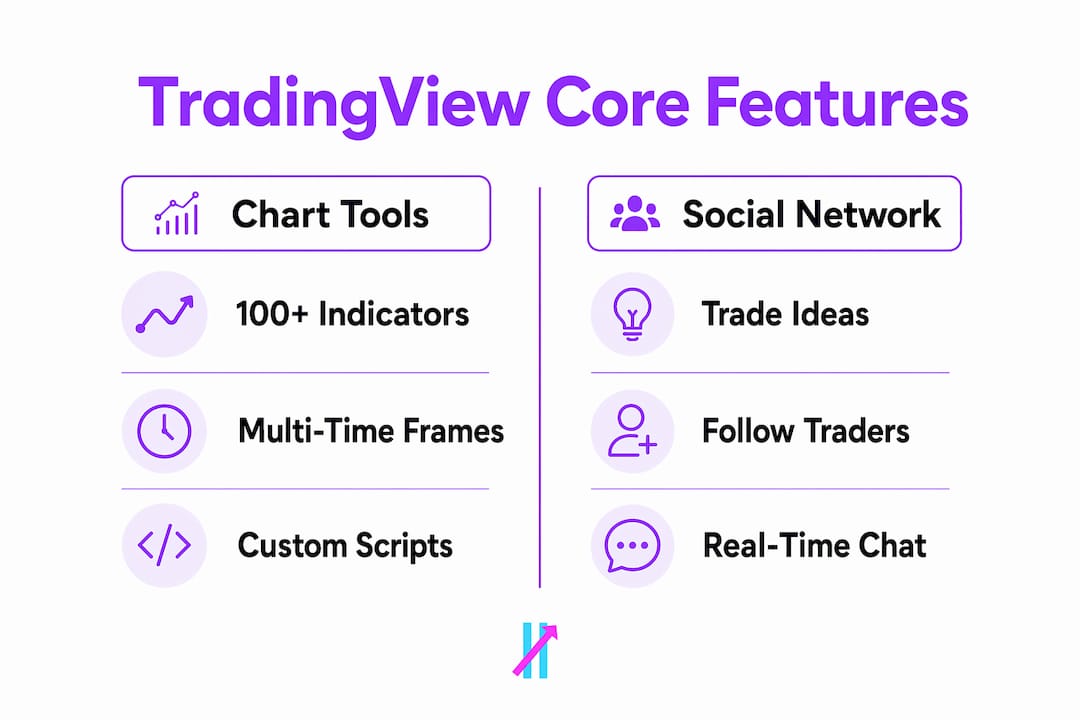
The community also accelerates skill development. Watching how experienced traders annotate charts, manage risk levels, and respond when a trade goes wrong teaches pattern recognition faster than reading textbooks. The self-reinforcing community means the content quality keeps improving as more skilled traders join and contribute.
Why do traders prefer TradingView over desktop platforms like MetaTrader?
TradingView and MetaTrader serve different traders with different priorities. The comparison below shows where each platform leads.
Feature | TradingView | MetaTrader (4/5) |
Access method | Browser-based, no install | Desktop installation required |
Asset coverage | Stocks, forex, crypto, futures, indices | Primarily forex and CFDs |
Custom scripting | Pine Script (beginner-friendly) | MQL4/MQL5 (steeper learning curve) |
Social features | Full idea-sharing network | Minimal community features |
Broker integration | Direct live trading via connected brokers | Native execution through MT brokers |
Backtesting | Built-in Strategy Tester | Built-in Strategy Tester |
TradingView’s broad market coverage and social sharing give it a clear edge for traders who work across multiple asset classes. A trader who analyzes Bitcoin in the morning and S&P 500 futures in the afternoon has no practical alternative on MetaTrader. MetaTrader’s strength is execution. Its broker ecosystem is deep, its order management is mature, and MQL5 supports more complex algorithmic strategies than Pine Script currently allows.
Many professional traders use TradingView for analysis and MetaTrader or a dedicated broker platform for execution. That split workflow is common because TradingView’s analysis-first design standardizes multi-timeframe review and alert management before any order is placed. The two platforms are not really competitors for serious traders. They are complementary tools.
How do TradingView’s alerts improve trading discipline?
TradingView’s alert system is one of the most practical advantages of using the platform. Alerts fire based on price levels, indicator crossovers, drawing tool touches, and multi-condition logic. You set the condition once, and the platform monitors it around the clock without you watching the screen.
The key alert types traders rely on include:
Price alerts: Trigger when an asset crosses a specific level
Indicator alerts: Fire when a moving average crosses, RSI hits a threshold, or a custom Pine Script condition is met
Drawing tool alerts: Activate when price touches a trend line or support zone you have drawn on the chart
Webhook alerts: Send automated signals to external platforms, bots, or execution systems
Webhook alerts are particularly valuable for traders who want to automate trading workflows without writing complex code. You configure the webhook URL once, and TradingView sends a JSON payload to your chosen service every time the condition triggers.
Alert limits vary by subscription tier, which catches many traders off guard. Free accounts receive a limited number of active alerts. Paid plans expand that number significantly. Traders who run complex monitoring setups across multiple assets often hit those limits and need to prioritize which conditions matter most. Combining TradingView alerts with a dedicated alert service can extend your monitoring capacity without upgrading to the highest plan tier.
One configuration mistake costs traders real money: setting alerts to fire on every tick rather than on bar close. Intra-bar noise triggers false signals constantly. Bar close confirmation on alerts filters out that noise and produces more reliable signals.
Pro Tip: Always set your alerts to trigger on “bar close” rather than “once” or “every bar.” This single setting change dramatically reduces false signals and keeps your alert log clean and readable.
Key Takeaways
TradingView’s popularity among retail traders comes from its unique combination of browser-based access, multi-asset coverage, Pine Script customization, and a social network that accelerates skill development.
Point | Details |
Browser-based access | No installation required; charts sync across all devices instantly. |
Multi-asset coverage | Supports stocks, forex, crypto, futures, and commodities in one platform. |
Pine Script customization | Traders can build and backtest custom strategies with a beginner-friendly language. |
Alert system | Price, indicator, and webhook alerts automate monitoring and reduce missed setups. |
Social network | Over 100 million users share trade ideas, creating a self-reinforcing learning community. |
TradingView’s staying power: a trader’s honest read
I have used TradingView almost every trading day for years, and the feature I underestimated longest was the social network. I started using it purely for charts. The idea-sharing feed felt like noise at first. Then I started filtering by specific assets and following three or four analysts whose reasoning I respected, and my chart reading improved faster than it had in the previous year of solo study.
The cross-device experience is genuinely frictionless. I start my morning review on a desktop with eight charts open. If I need to check a level mid-day, I open the mobile app and the same workspace is there. That consistency removes the mental friction of switching tools, which matters more than most traders admit.
Pine Script is where I see the biggest gap between what traders think they need and what actually helps them. Most retail traders do not need to write complex algorithms. They need to test a simple idea, like whether a moving average crossover on the daily chart has positive expectancy in their chosen market. Pine Script makes that test possible in an afternoon. The backtesting guide is worth reading before you trust any backtest result, because the default settings will mislead you.
My honest recommendation: start on the free tier and learn the platform properly before paying for a subscription. The free version covers more than most beginners need. Upgrade when you hit specific limits, like needing more simultaneous indicators or more active alerts. Paying for features you do not use yet is a common mistake that creates no real benefit.
— Steven Hartwell
Big Move Algo works directly inside TradingView
Traders who want clear, structured signals on top of TradingView’s charting can add Big Move Algo directly to their workspace. Big Move Algo is a proprietary TradingView indicator that delivers Long, Short, and Exit signals in real time across crypto, forex, stocks, indices, and commodities.
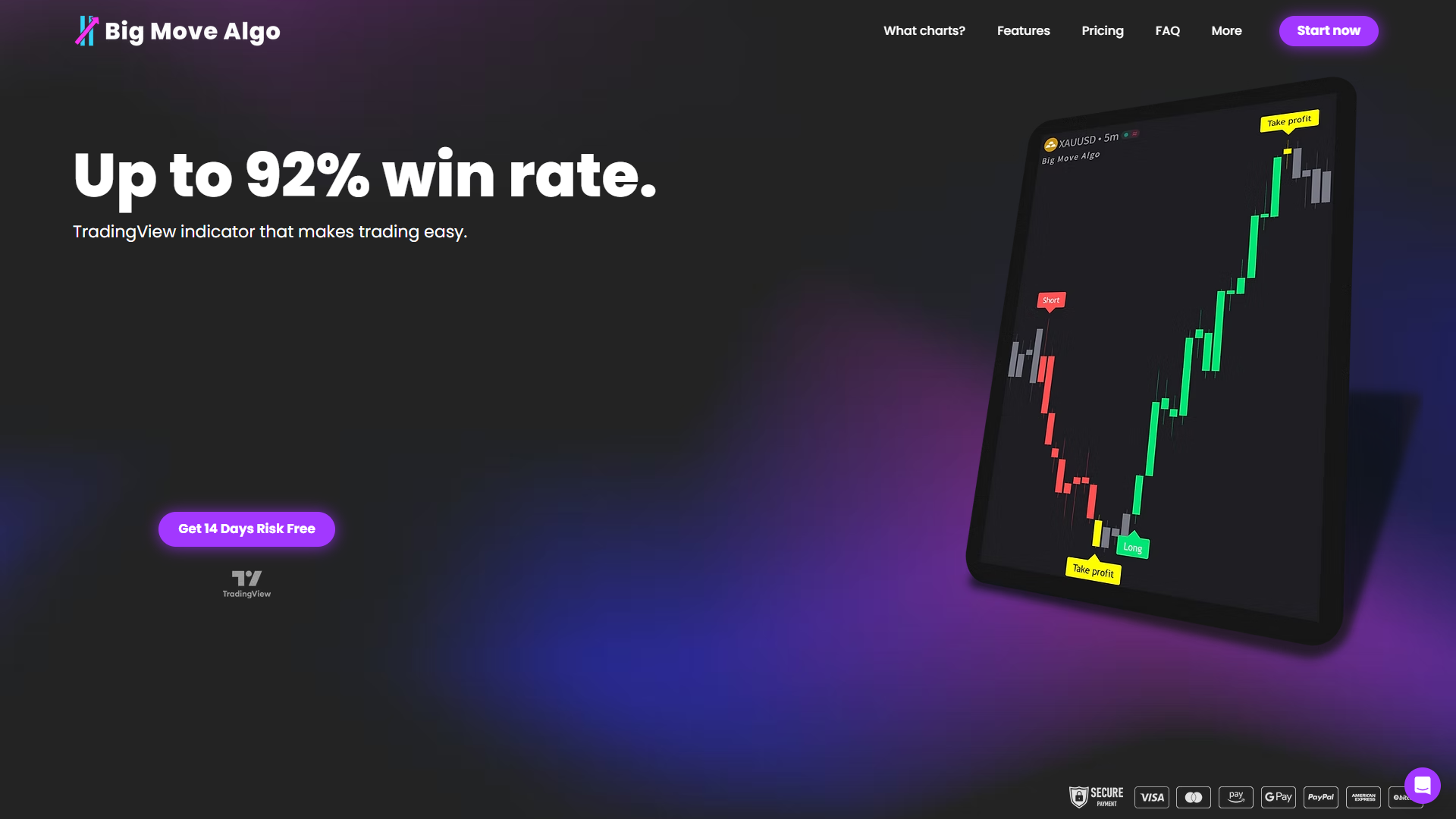
The built-in Fake Trend Detector filters out low-quality market conditions, so you are not trading every signal regardless of context. AUTO Mode gets you running with minimal setup, while Manual Mode gives experienced traders additional control. Big Move Algo claims up to a 92% win rate. Visit Big Move Algo to see the full signal breakdown and subscription options, or check the how-to-use guide to see exactly how it integrates with your TradingView charts.
FAQ
Why do traders use TradingView instead of other platforms?
TradingView combines browser-based access, multi-asset coverage, and a social trading network in one platform. Most alternatives require software installation or lack the community features that accelerate skill development.
Is TradingView free to use?
TradingView offers a free tier with core charting features and a limited number of active alerts. Paid plans unlock more simultaneous indicators, additional alerts, and faster data refresh rates.
What is Pine Script used for in TradingView?
Pine Script is TradingView’s scripting language for building custom indicators and strategy backtests. Only Pine Script “strategy” scripts generate full performance reports in the Strategy Tester.
How reliable are TradingView alerts?
TradingView alerts are reliable when configured correctly. Setting alerts to trigger on bar close rather than every tick eliminates most false signals caused by intra-bar price noise.
Can you trade directly from TradingView?
TradingView supports live trading through integrated broker connections, but many traders use it for analysis only and execute orders through a separate broker platform or MetaTrader.
Recommended
Comments